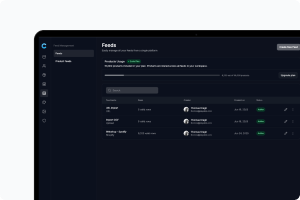
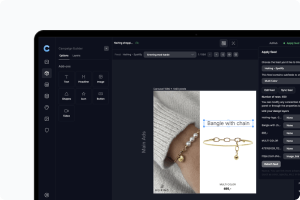
If you've connected Campaign Builder's feed as a supplementary feed alongside your Shopify catalog in Meta Commerce Manager, this guide covers the two most common issues that come up - products not showing DPA data, and ads that don't look like they're coming from Campaign Builder.
The Campaign Builder Chrome extension lets you choose which design shows for each product in your Meta catalog ads, right from Ads Manager. For that to work, Meta has to actually display the design you picked - and not quietly swap in one of its own automatic enhancements or rearrange your ad.
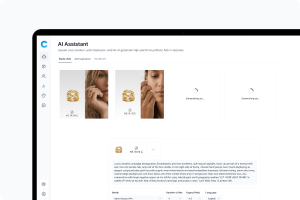
Once you have generated your statics, you can publish them directly from the AI Statics window - without downloading files or switching tools. Campaign Builder connects to your Meta (Facebook and Instagram) ad account and social media scheduler, so you can push creatives live in a few clicks.
Campaign Builder automatically detects which publishing options are available based on the statics you have selected. You will only see the options that match your current selection.
Once your statics are generated, Campaign Builder gives you tools to organize, download, adapt, and reuse them efficiently. This article covers how to save, preview, download, and build on your existing statics.