Campaign Builder Help Center

Workflows

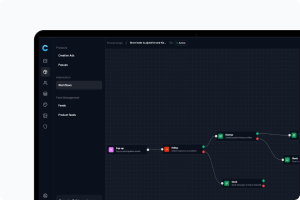
Save time and boost efficiency by automating your processes effortlessly with workflows

Mockup

Overview of Workflow Actions

Actions are the tasks that your workflow performs after triggers and logic. Campaign Builder includes the following
Mockup

Using Logic in Workflows

Logic lets your workflow respond differently depending on conditions. Campaign Builder uses If/Else statements to handle logic.
Mockup

How to Add a Trigger to Your Workflow

Adding a trigger is simple and only takes a few clicks
Mockup

Understanding Workflow Triggers

Triggers are what kick off a workflow. They are based on user actions or system events. Campaign Builder offers four main triggers
Mockup

What is an Automation Workflow?

An automation workflow lets you automatically handle leads, messages, and tasks based on user behavior - without any coding. Workflows save time, reduce manual work, and help ensure every lead or user receives the right communication at the right time.