Several settings in Meta Ads Manager, if left on (or off), let Meta override or ignore your chosen design. The extension checks for these every time you open an ad and lists any it finds. Issues that completely break your selected design are shown as errors (red); ones that may interfere are shown as warnings. Most can be fixed with the "Fix all issues" button. A few it can only flag, because the fix lives elsewhere.
When you press Fix, the extension rebuilds the ad's creative with the corrected settings and points your ad at the new version. It does not change which design is shown or which products are in the ad - it only corrects the settings that were getting in the way.
Note: Pressing Fix (or switching a design) counts as an edit to the ad on Meta's side, which can restart Meta's learning phase. That's expected.
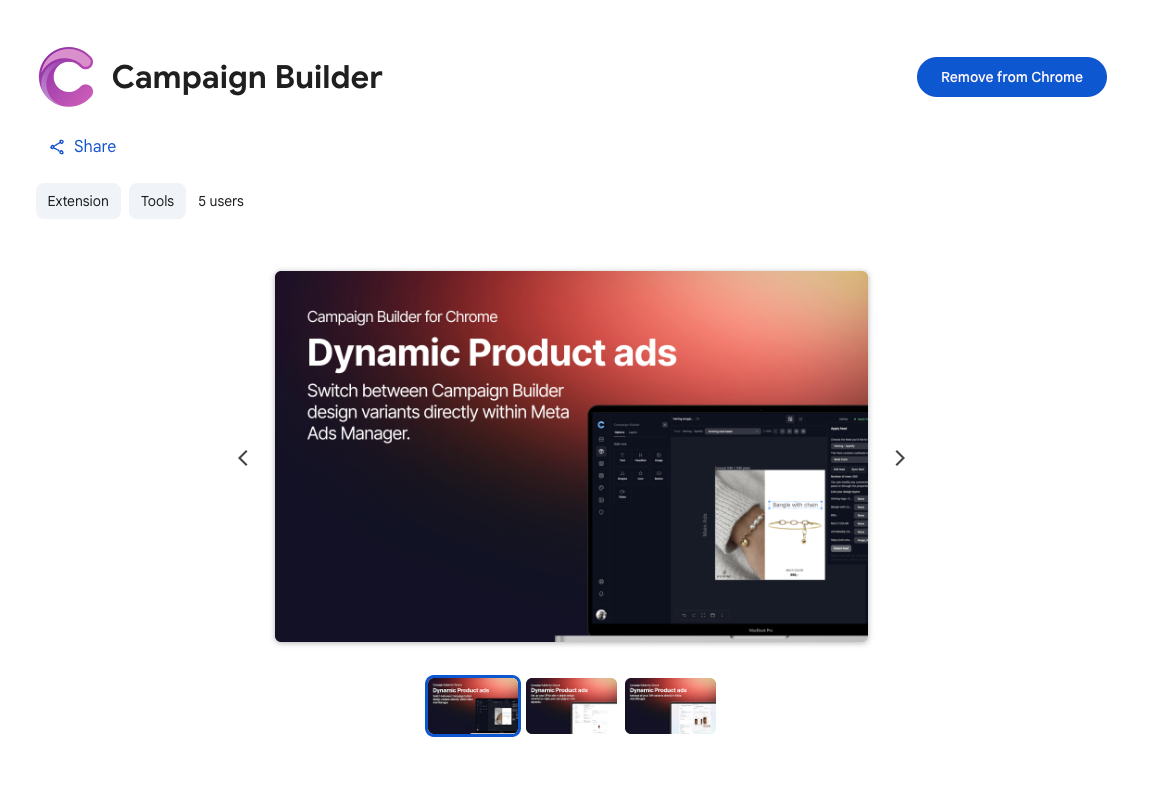
Download the extension from Chrome Web Store - click here
This ad uses the Collection format, which stops Meta from honoring the selected variant. Fixing it turns Collection off so variant switching works.
Collection ads always show each product's default catalog image and have no place for a custom design, so your chosen designs are silently ignored. Fix turns the Collection format off.
Multi-advertiser ads are enabled, so Meta may crop or resize the creative and ignore image touch-ups (adapt to placement) even when it's on, and it can show the wrong variant. Fixing turns it off.
This Meta setting lets Meta combine your ad with other advertisers' and rearrange it, which can drop your design. It's on by default. Fix opts your ad out.
This variant has 4:5 / 9:16 formats, but Meta's image touch-ups (adapt to placement) are off, so it can't serve the right format per placement.
When your design has portrait/vertical versions, Meta needs "Image touch-ups" on to show the right shape in each placement (Feed, Stories, Reels). With it off, Meta just crops your square image. Fix turns it on.
This variant has video, but Allow product video is off, so Meta can't serve it. Turn it on to use the variant's video.
Your chosen design includes video, but Meta's "Allow product video" setting is off, so the video can't play. Fix turns it on.
Allow product video is on, so Meta can swap in or auto-generate video over this variant's chosen media.
Your chosen design is image-only, but "Allow product video" is on, so Meta may generate or swap in a video over your image. Fix turns it off.
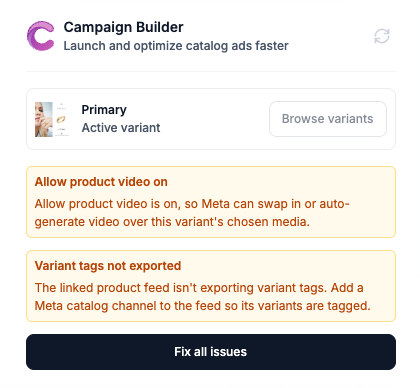
The linked product feed isn't exporting variant tags. Add a Meta catalog channel to the feed so its variants are tagged.
The extension has nothing to switch to because the feed isn't set up to deliver per-design variants. This is fixed in Campaign Builder, not in the extension - which is why there's no Fix button here.
When the ad simply isn't eligible for design switching, the extension shows a short explanation instead of the switching tools:
Template variants only work on catalog ads. This ad is using a different format that doesn't support catalog-based creative management.
This isn't a switchable Advantage+ catalog ad (e.g. Dynamic Creative / DCO)
Variant switching only works with Advantage+ catalog ads. This ad isn't a switchable Advantage+ catalog ad (for example, a Dynamic Creative / DCO ad).
Catalog not linked yet. If your Meta catalog isn't connected to a feed in your workspace, the extension tries to link it automatically. If that fails, it's almost always a Meta permissions issue or the wrong workspace being active.
Settings Meta won't report back. Meta doesn't tell the extension the current state of "Image touch-ups," so the extension re-applies the correct setting every time you switch or fix - you don't have to think about it.
Meta can still reject a change. Occasionally Meta declines the update (for example, due to its own advertising-policy checks); the extension then shows Meta's own explanation.

