Campaign Builder Help Center

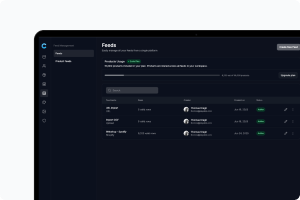
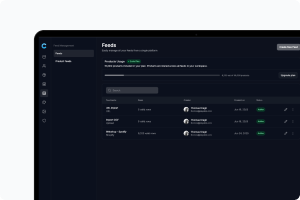
Feed

Connect and manage your product feeds

Mockup

Troubleshooting: Supplementary Feed & Dynamic Ad Image Issues

If you've connected Campaign Builder's feed as a supplementary feed alongside your Shopify catalog in Meta Commerce Manager, this guide covers the two most common issues that come up - products not showing DPA data, and ads that don't look like they're coming from Campaign Builder.
Mockup

How to Add a Product Feed to Facebook Commerce Manager

Adding a product feed to Facebook Commerce Manager allows you to run dynamic ads, sync your catalog, and manage products across Facebook and Instagram.
Mockup

Automate Ad Creation with Feed Integration

Our Feed Option allows you to easily import external content into the platform and generate unlimited ads based on your product data. This feature streamlines ad creation, ensuring your campaigns stay updated with the latest content while reducing manual work.
Mockup

How to set up Product feed

After you've successfully imported your eCommerce feed and mapped the relevant data to your ad content, the final step is to set up a product feed within our platform. This feed links your mapped product data to specific ads, allowing you to use it in dynamic ad formats such as Facebook Catalog Ads or Google Shopping. To do this:
Mockup

Importing External Data into Campaign Builder

Our platform makes it easy to import and manage external product data. We currently support importing feeds in the following formats:
Mockup

Google Shopping Product Feed

A Google Shopping Product Feed is a structured data file that contains detailed information about your products, allowing them to be displayed on Google Shopping, Search, and other Google services. By submitting this feed to Google Merchant Center, you ensure that your products appear in relevant searches, increasing visibility and potential sales.