Custom apps in Shopify allow store owners and developers to create tailored functionality for a single store without needing to publish the app to the Shopify App Store. This guide walks you through the process of setting up a custom app directly from the Shopify admin.
Custom apps are built specifically for one Shopify store and are ideal for unique workflows, third-party integrations, or backend automations that public apps don’t support. Unlike private apps, custom apps use Shopify's more secure and scalable app development standards.
Before creating a custom app, you must allow custom app development in your store:

This creates a basic app shell that you can configure.

Now it’s time to define what your app can access in your store:

You’ll be prompted to grant specific permissions. For this app, enable the following:
read_products: Allows the app to view details about the products in your store, including titles, descriptions, variants, prices, and more.read_markets: Grants access to view market configurations, including how your store sells in different countries or regions (part of Shopify Markets).read_markets_home: Allows the app to read the primary/default market settings for your store.read_publications: Enables the app to view where products are published (e.g., Online Store, Point of Sale, custom sales channels).After selecting these scopes, click Save.

Once installed, Shopify will generate secure API credentials for your app.

In the API credentials tab, you’ll find:
Click Reveal token once to view your access token. Make sure to copy and store it safely, as you won’t be able to view it again.

We are only going to use Admin API access token and the shop subdomain.

With the access token and shop subdomain you are ready to setup the integration in Campaign Builder.
Navigate to Settings and Integrations and search for the Shopify integration.
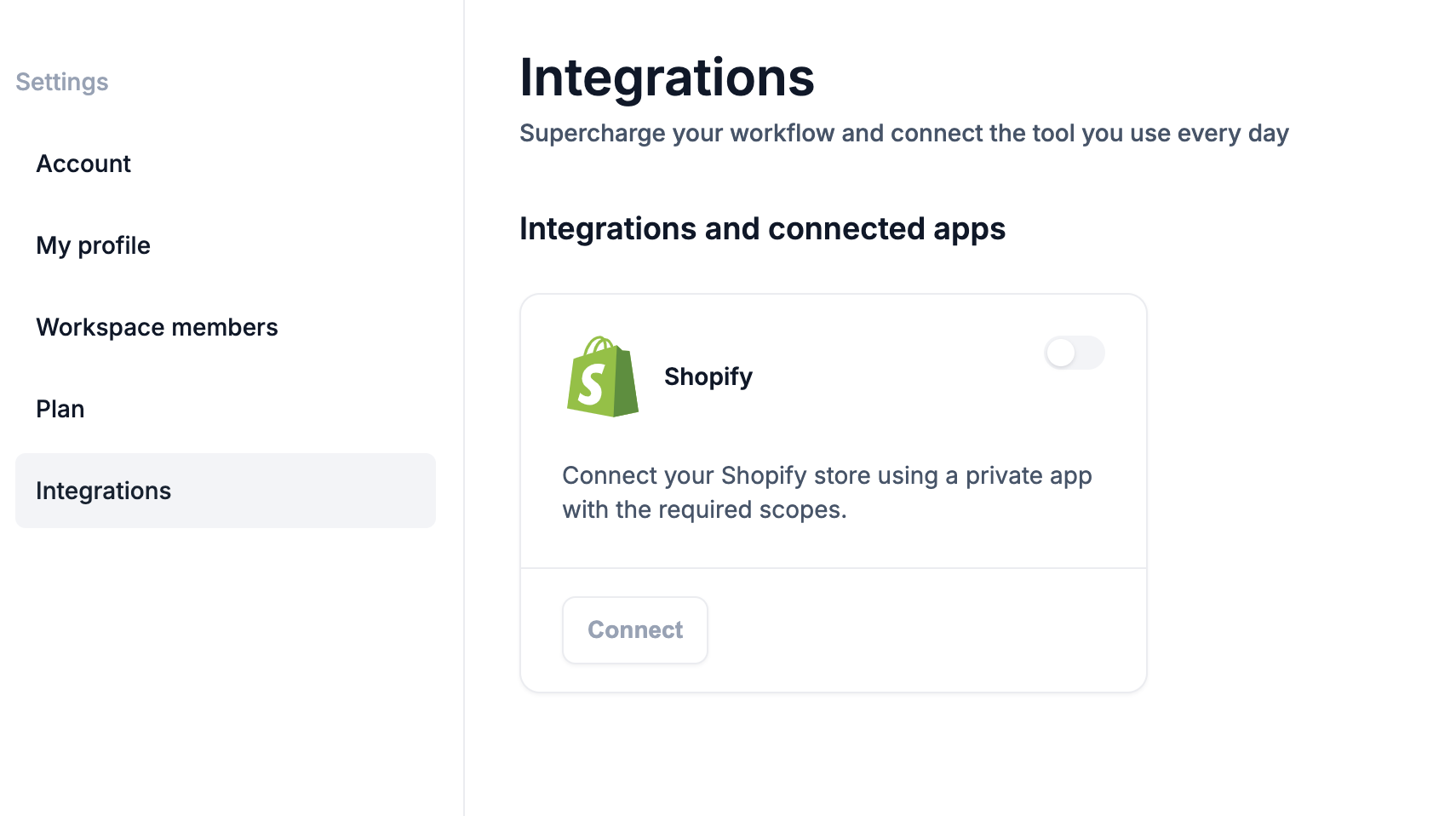
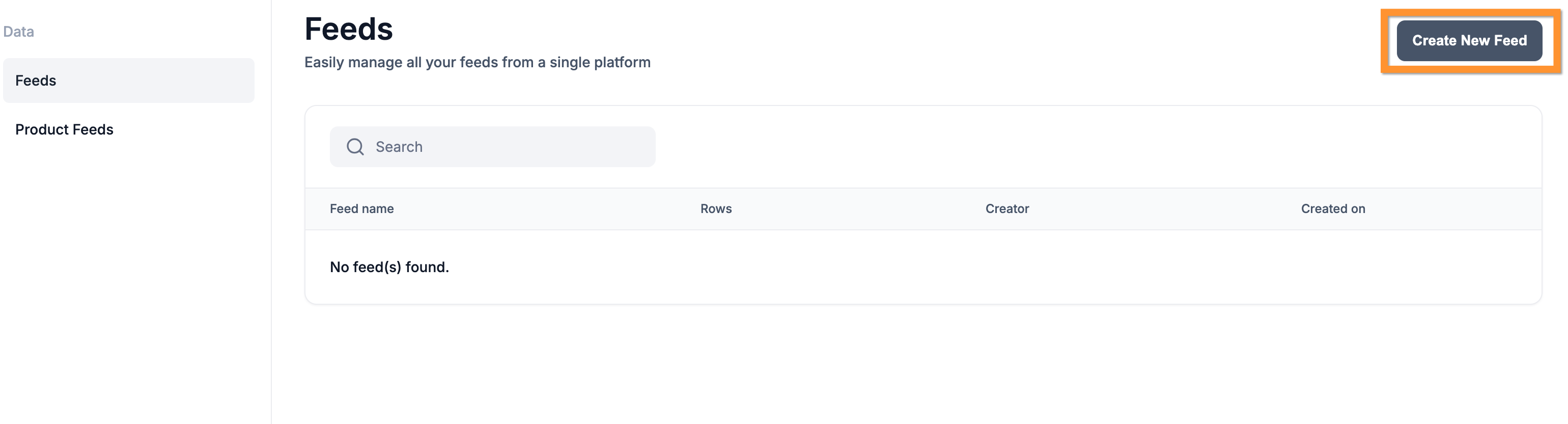
Activate the integration by entering your access token and store subdomain. Once connected, navigate to the Data - Feeds section to start importing your products.