Our Feed Option allows you to easily import external content into the platform and generate unlimited ads based on your product data. This feature streamlines ad creation, ensuring your campaigns stay updated with the latest content while reducing manual work.
💡 Note: The number of products you can import depends on your subscription plan. Check your plan’s limitations to ensure you have enough capacity for your data feed.
Once a feed is imported, the data becomes available in the Ad Builder, allowing you to replace standard ad elements with content from your feed. This makes it easy to generate large volumes of personalized ads in just a few clicks.
.png)
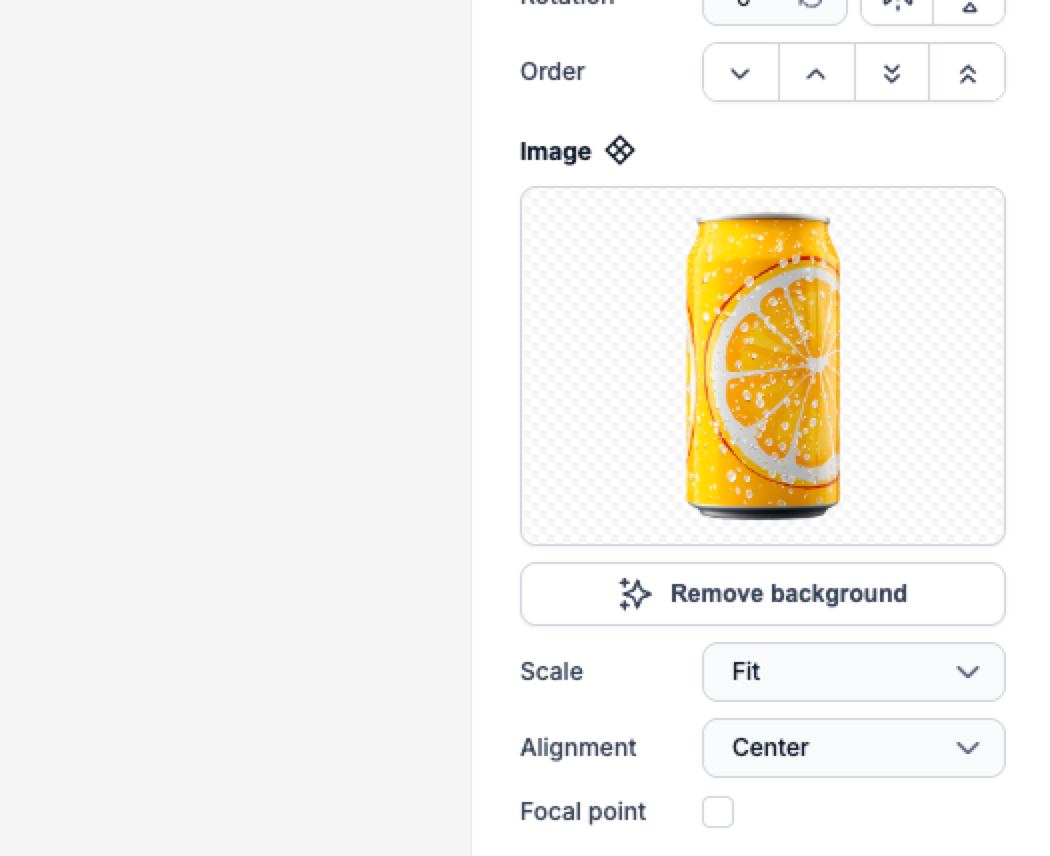
We recommend setting the image scale to 'Fit' to ensure product images are displayed correctly. It's also important to test a few ads to confirm proper positioning.
With dynamic feed-based ad creation, multiple variations are generated automatically. You can shuffle through all the generated ads to preview the output and ensure everything looks perfect before publishing.
.png)
To help you get started, we have a detailed video tutorial available in our Help Center, showing exactly how to import your feed step by step. If you're unsure about any part of the process, this video will guide you through everything—from selecting your feed type to syncing your data and generating ads.
Start using the Feed Option today and scale your ad production effortlessly! 🚀

