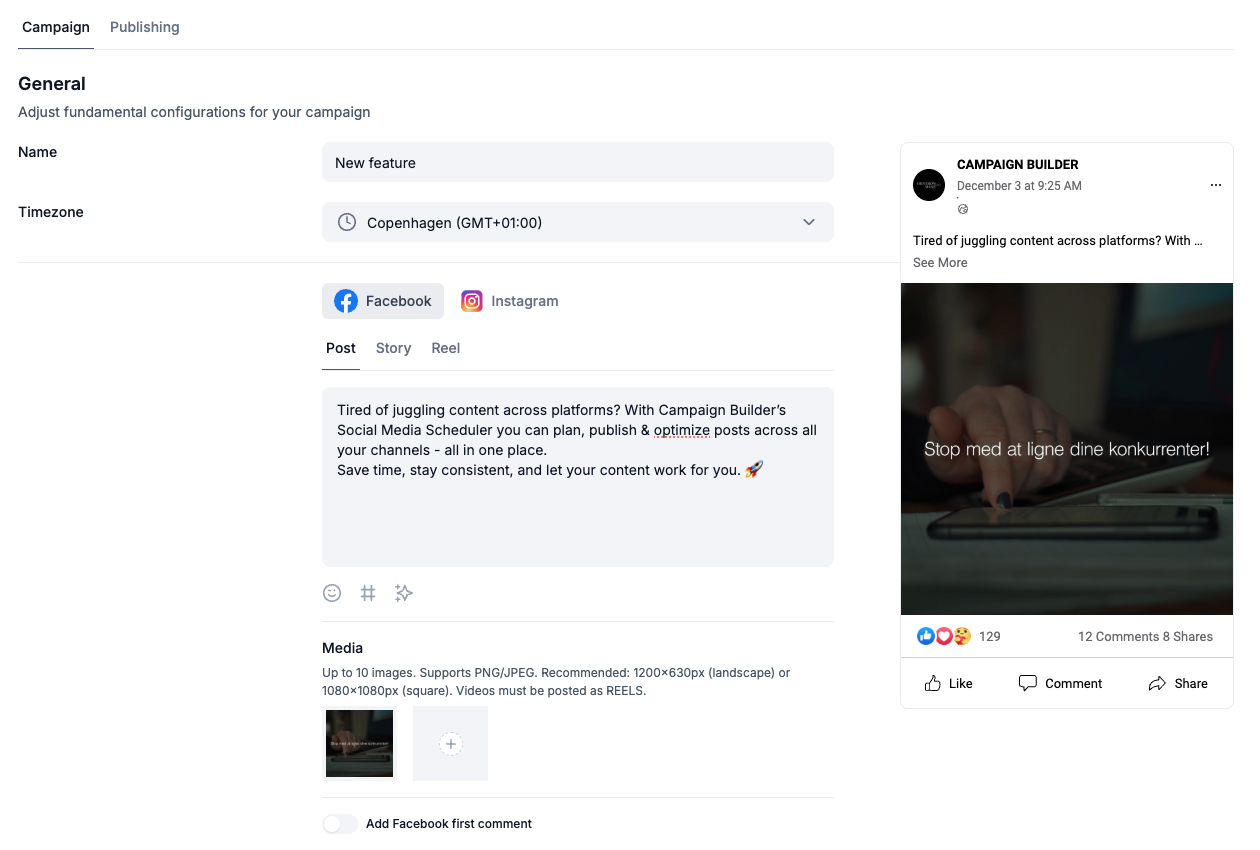
The Social Media Scheduler makes it easy to plan, create, and publish content to Facebook and Instagram. This guide will help you get started and understand the main features.
Supported Platforms
Facebook Pages
Instagram Business Accounts
You can connect unlimited accounts, making it ideal for agencies and teams managing multiple brands.
Supported Post Types
You can create and schedule:
Posts
Reels
Stories
All posts can be previewed in realistic Facebook and Instagram mockups before publishing.
Where Everything Lives
Post View: See all upcoming and past posts.
Drafts: Posts you saved but haven’t scheduled yet.
Scheduled: Posts set for a future time.
Published: Posts that were successfully posted.
Connecting Your Accounts
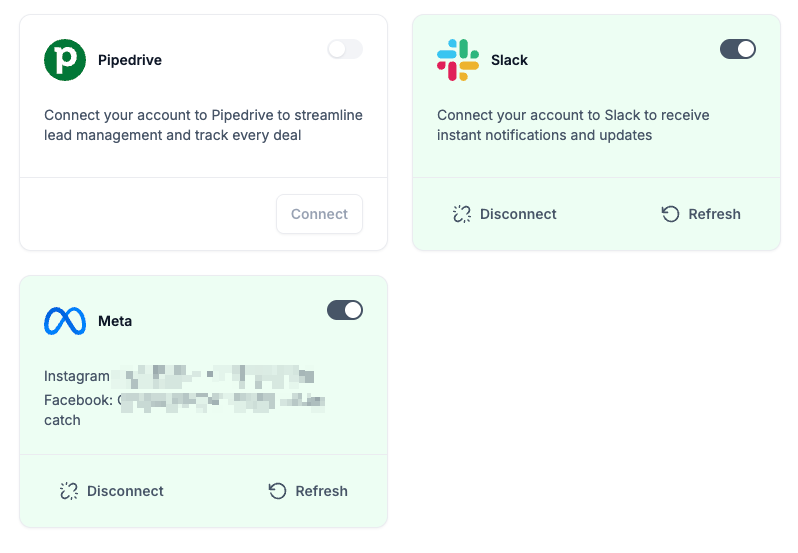
Go to Settings - Integrations.
Select META and Connect Account.
Log in with Facebook and authorize the required permissions.
Choose the Facebook Pages and Instagram accounts you want to use.
Once connected, you're ready to create your first post.
Related help articles
Find additional guides and documentation that expand on this topic and help you solve similar issues.