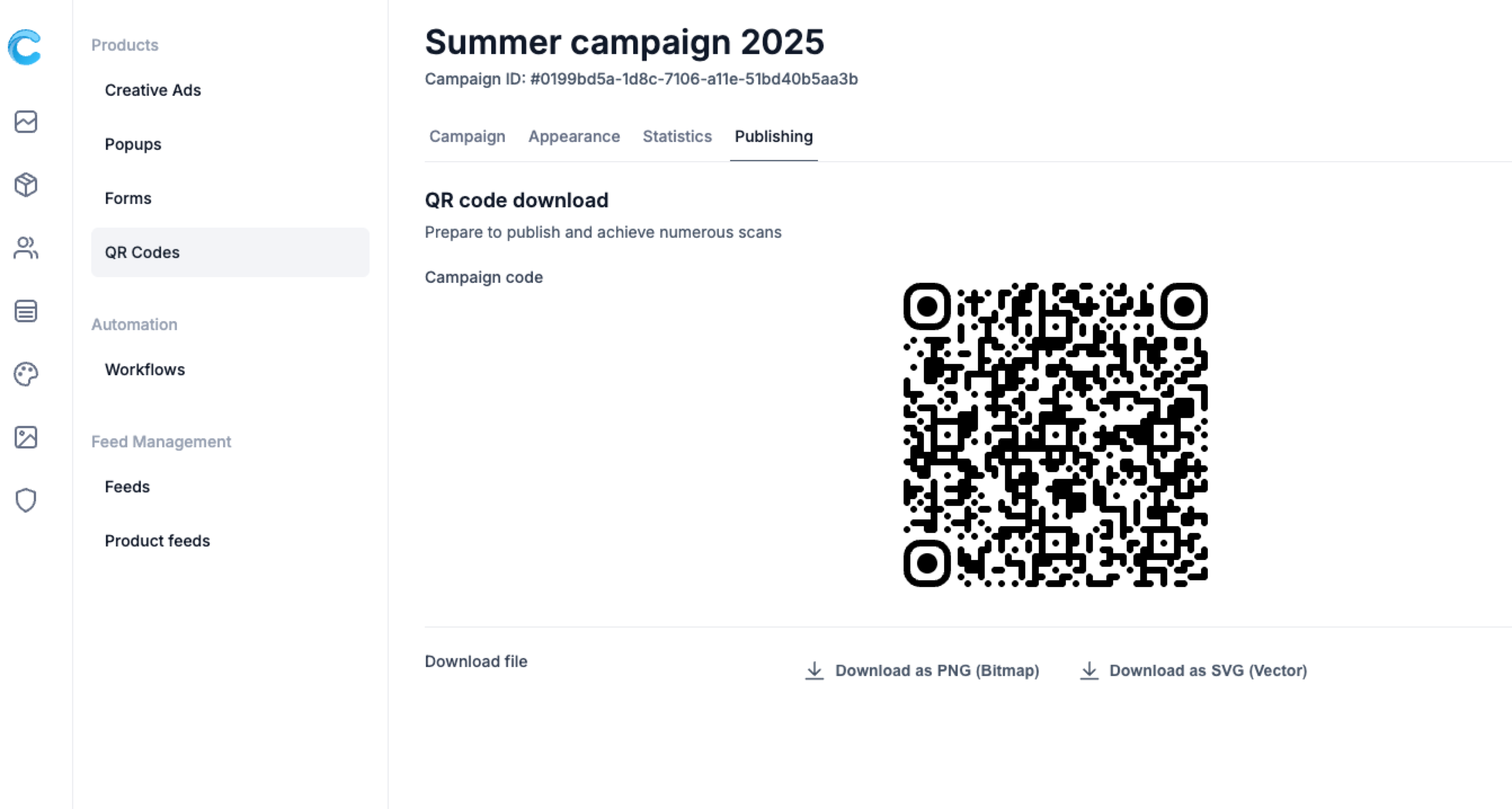
Make your QR Codes stand out with your own branding.
In Campaign Builder, you can easily customize colors, add your logo, and preview the final design before downloading - all without touching a line of code.
A well-designed QR Code not only looks professional but also increases scan rates and brand recognition.
In this article, you’ll learn how to:
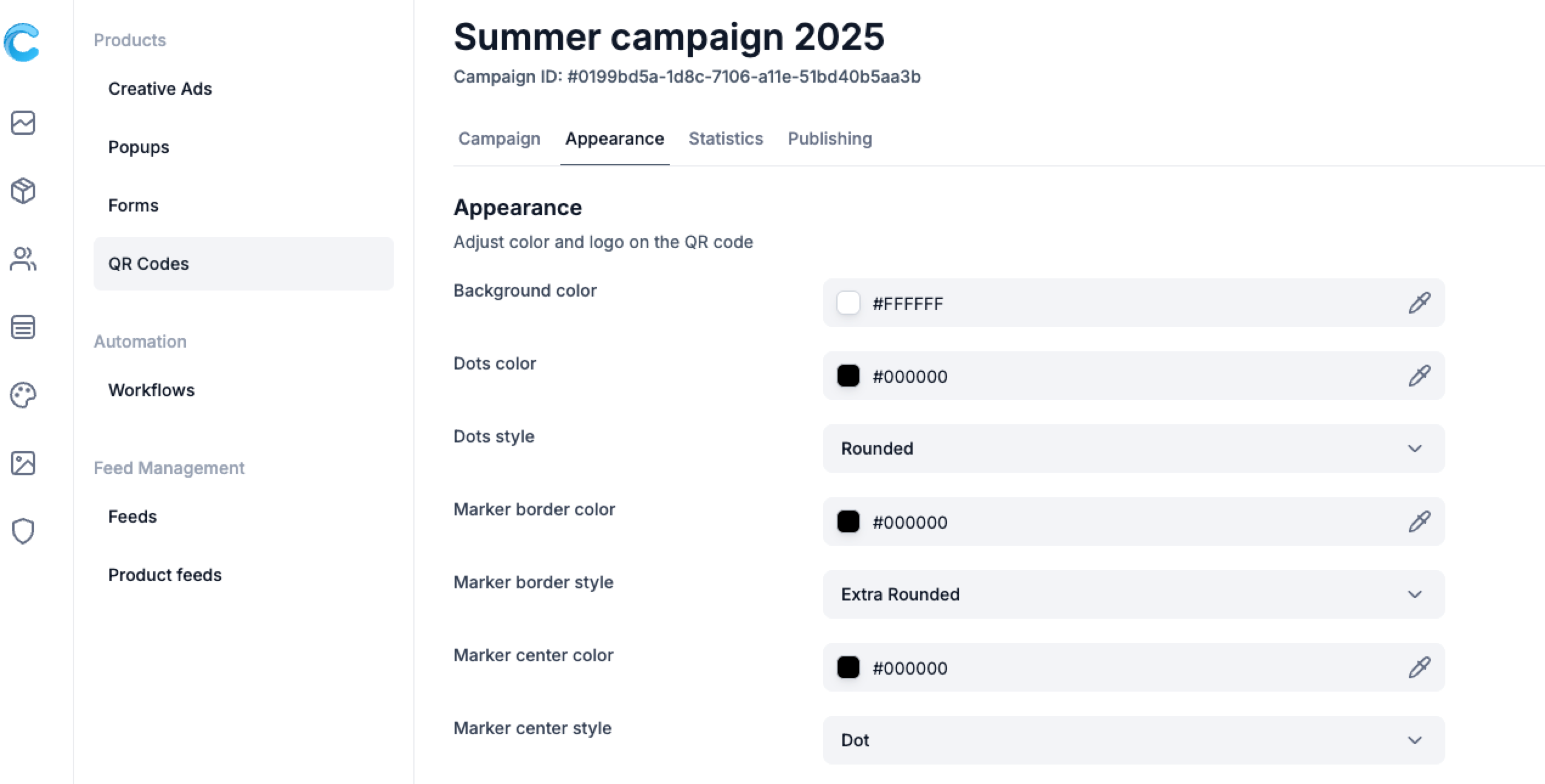
You can customize the look of every visual element of your QR Code:
💡 Tip: For best readability, ensure strong contrast between the dots and background (e.g., dark dots on a light background).
You can place your logo directly in the center of the QR Code for instant brand recognition.
If your logo has light colors, consider darkening the QR dots or background for better visibility.
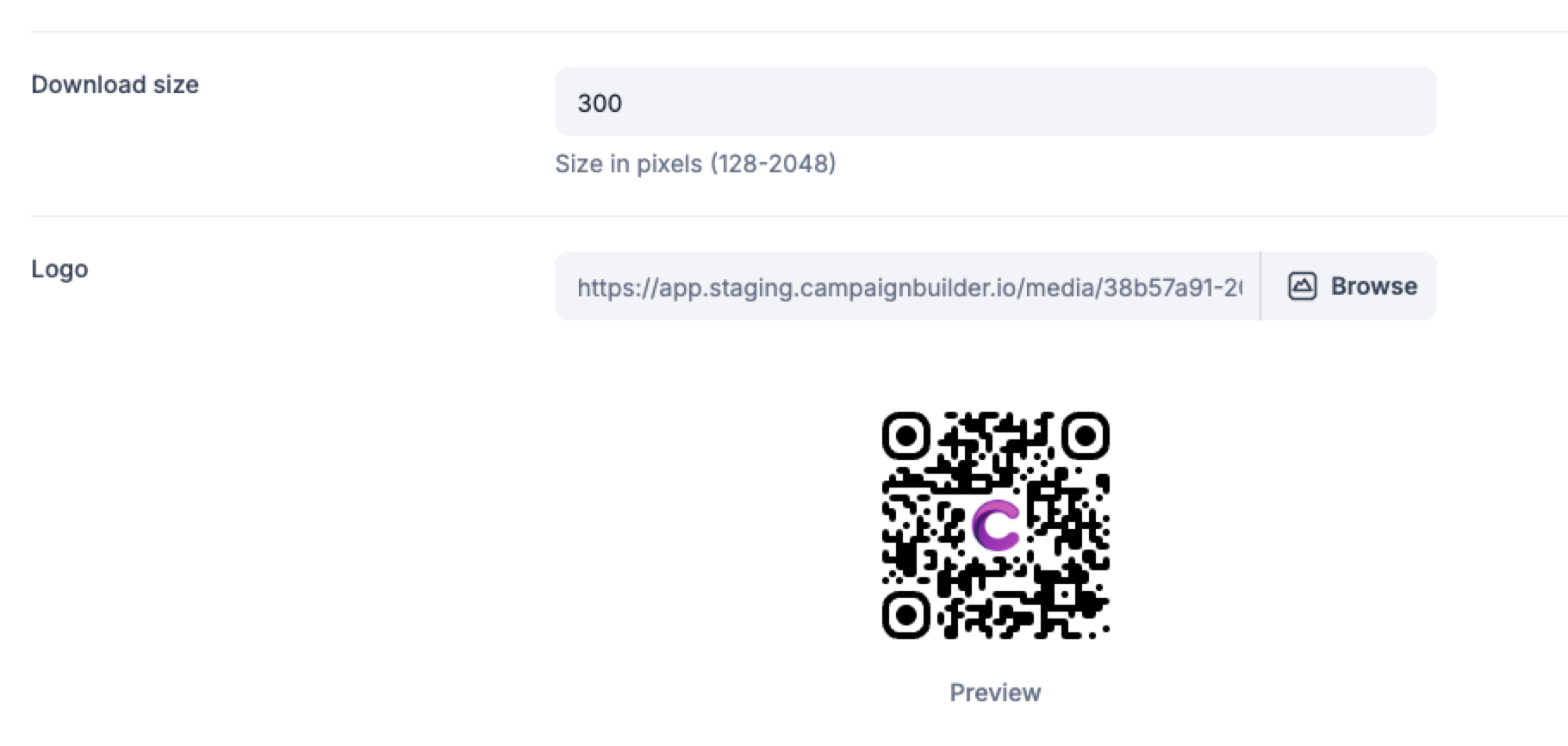
A live preview appears as you make changes - allowing you to instantly see how your QR will look when printed or displayed digitally.
Use this step to test color combinations, adjust the logo size, and confirm everything remains scannable.
When your QR Code looks perfect: