Batch uploading ads is a powerful method for managing multiple social media campaigns efficiently. By uploading multiple creatives, ad sets, and variations simultaneously, teams can save time, reduce errors, and maintain consistency across campaigns.
Engagement is a critical metric for measuring the effectiveness of social media ads. Higher engagement indicates that your audience finds your content relevant, which can lead to better brand awareness, conversions, and return on ad spend.
This guide explores how batch upload functionality in Campaign Builder helps teams improve engagement by streamlining workflows, managing creatives efficiently, and implementing best practices.
Traditional ad creation requires manually setting up each ad, which can be time-consuming and prone to errors. Batch upload allows marketers to create multiple ads at once, ensuring consistency in messaging, targeting, and creative quality.
Consistency and relevance are key drivers of engagement. Batch upload supports these goals by allowing teams to manage large sets of ads efficiently, ensuring that each ad reaches the right audience with the right message.
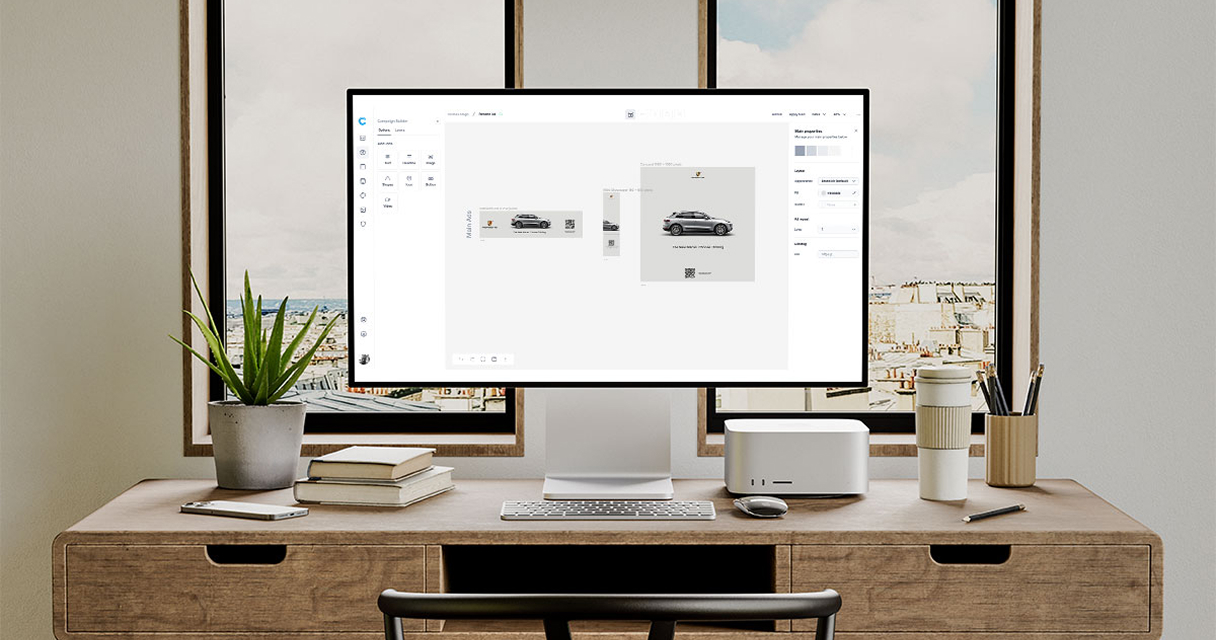
Campaign Builder’s batch upload features simplify asset mapping, creative management, and ad preparation, reducing the time spent on repetitive tasks and freeing up resources to focus on optimizing engagement.
Preparation is essential to ensure that batch upload ads are effective and engaging. Before uploading, all creatives, copy, and targeting information should be organized and standardized.
Steps to prepare include:
Proper preparation minimizes errors, ensures consistency, and sets the stage for higher engagement across all ads.
Engaging ads require compelling visuals, clear messaging, and a strong call-to-action. Batch upload makes it easier to test multiple variations of creatives to determine what resonates best with your audience.
Best practices include:
Campaign Builder allows teams to manage creative templates, apply bulk edits, and test variations efficiently, supporting continuous optimization for engagement.
Relevance is a major factor in engagement. Ads need to reach audiences who are most likely to interact with the content. Batch upload supports audience targeting by enabling marketers to apply consistent rules across multiple ads and campaigns.
Effective targeting strategies include:
Proper targeting combined with batch upload ensures that all ads are relevant, personalized, and positioned to generate higher engagement.
Batch upload improves workflow efficiency by reducing repetitive tasks and centralizing creative management. Teams can quickly upload, map, and schedule multiple ads without compromising quality.
Quality control is critical to ensure that engagement is not compromised by errors or inconsistencies. Best practices include:
Campaign Builder supports these processes with bulk editing tools, preview options, and structured workflows that maintain quality while scaling efficiently.
Monitoring engagement metrics is essential to understand which ads perform best. Key metrics include likes, shares, comments, click-through rates, and time spent interacting with content.
After analyzing performance, teams can iterate by:
Campaign Builder consolidates performance data across batch uploads, making it easier to iterate and improve engagement systematically.
Batch upload ads are a powerful tool for improving engagement, streamlining workflows, and maintaining consistency across social media campaigns. By preparing assets carefully, optimizing creative, targeting the right audience, and monitoring engagement, teams can maximize the impact of each ad.
Campaign Builder simplifies batch ad management, enabling marketers to focus on strategy, creativity, and optimization. Implementing these best practices ensures that batch upload campaigns drive higher engagement and deliver measurable results at scale.

