Published 15 December 2025

Why Campaign Builder Outperforms Meta Ads Manager and Other Batch Upload Tools

Learn how Campaign Builder helps you save 10x the time of Facebook Ads Manager with smooth bulk updates, easy asset uploads, and creative mapping, making Meta ad management faster and more efficient.
Facebook

Managing Meta ads at scale can be slow and repetitive, especially when using Facebook Ads Manager. Campaign Builder was designed to solve this problem by creating a much smoother workflow, allowing teams to save 10x the time compared to the traditional process. Whether you’re updating hundreds of ads or uploading multiple creatives, Campaign Builder streamlines every step.

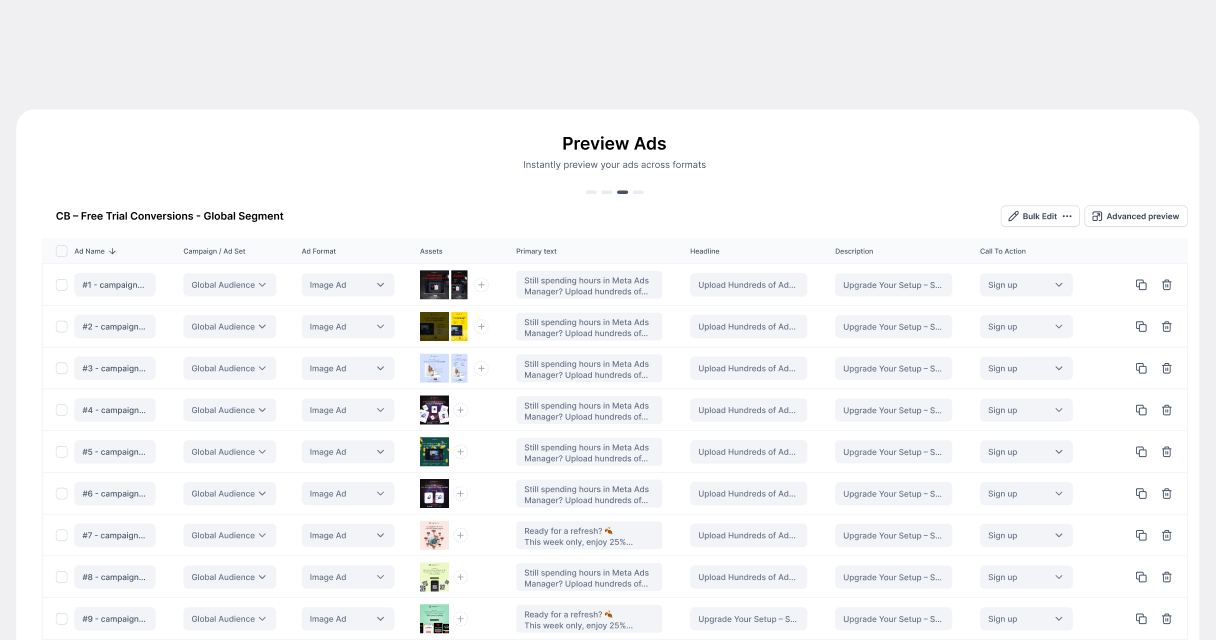
One of the most powerful features is the ability to bulk update ad elements like primary text, headlines, and descriptions. Instead of manually editing each ad one by one, you can make changes across your entire campaign in seconds. Combined with bulk asset uploads, this enables you to scale campaigns efficiently while maintaining consistency and quality.
So, What Exactly Are HTML5 Ads?

Bulk Upload and Creative Mapping

Campaign Builder makes uploading ad assets incredibly simple. If your creatives are named according to our Help Center guidelines, they will automatically map themselves to the correct ads. If not, the platform allows you to easily map creatives by dragging and matching them, giving you full control without the frustration of manual linking. This feature alone reduces errors and saves massive amounts of time compared to Ads Manager.

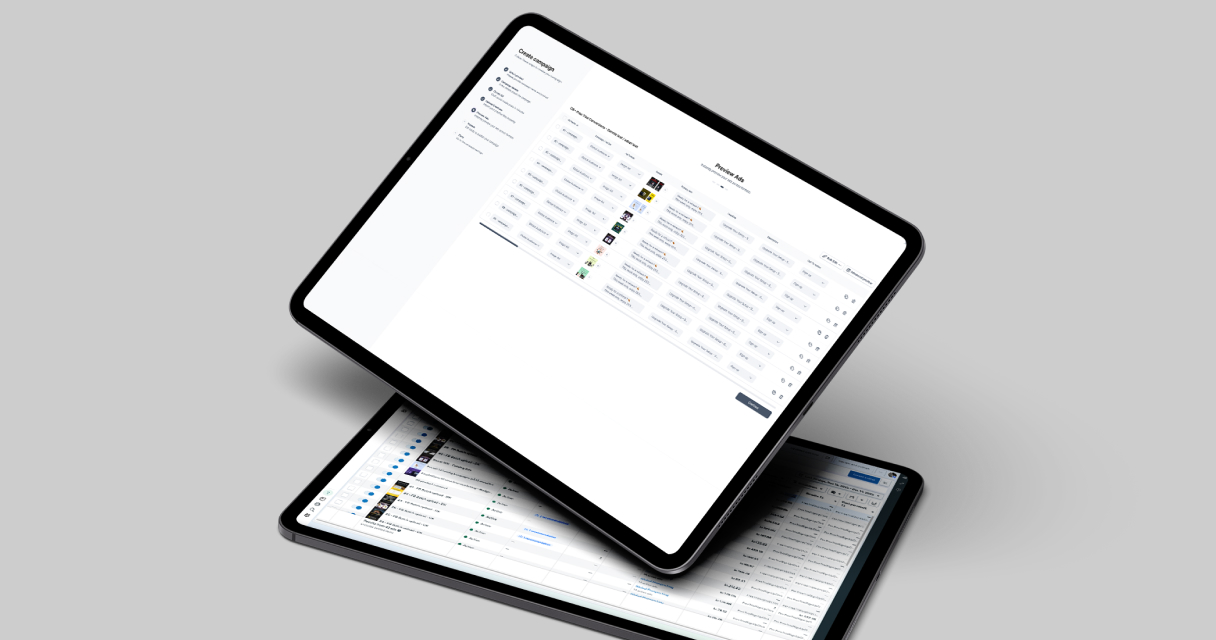
By combining bulk data updates with asset mapping, Campaign Builder eliminates the repetitive, error-prone processes that slow teams down. You can update multiple ads simultaneously, map creatives intuitively, and preview everything before publishing, all within a single smooth interface.

Campaign Builder vs Meta Ads Manager

The advantages of Campaign Builder over Ads Manager are clear when looking at workflow and time savings:

Feature Meta Ads Manager Campaign Builder
Batch creation ❌ Limited ✅ Yes
Creative builder ❌ Minimal ✅ Full visual builder
Feed-based automation ❌ No ✅ Yes
Preview before publish ❌ Limited ✅ Yes
Multi-account support ⚠️ Limited ✅ Yes
Collaboration ❌ Poor ✅ Clear workspace separation

Conclusion

If your goal is to scale Meta ads efficiently and save significant time, Campaign Builder is the solution. With bulk updates, intuitive creative mapping, and fast asset uploads, you can manage large campaigns in minutes rather than hours.

The smooth workflow and automation features make it far superior to Facebook Ads Manager, helping teams focus on strategy, testing, and optimization instead of repetitive manual work

Latest blog posts

Fresh Strategies to Get the Most from Our Ad Platform
Use Pixabay

Facebook Ads Batch Upload

Save time - create ads 10× faster with Campaign Builder Ads Batch upload.
Use Pixabay

Campaign Mockups

Digital campaigns are only as strong as the visuals that support them.
Use Pixabay

InMobile Integration

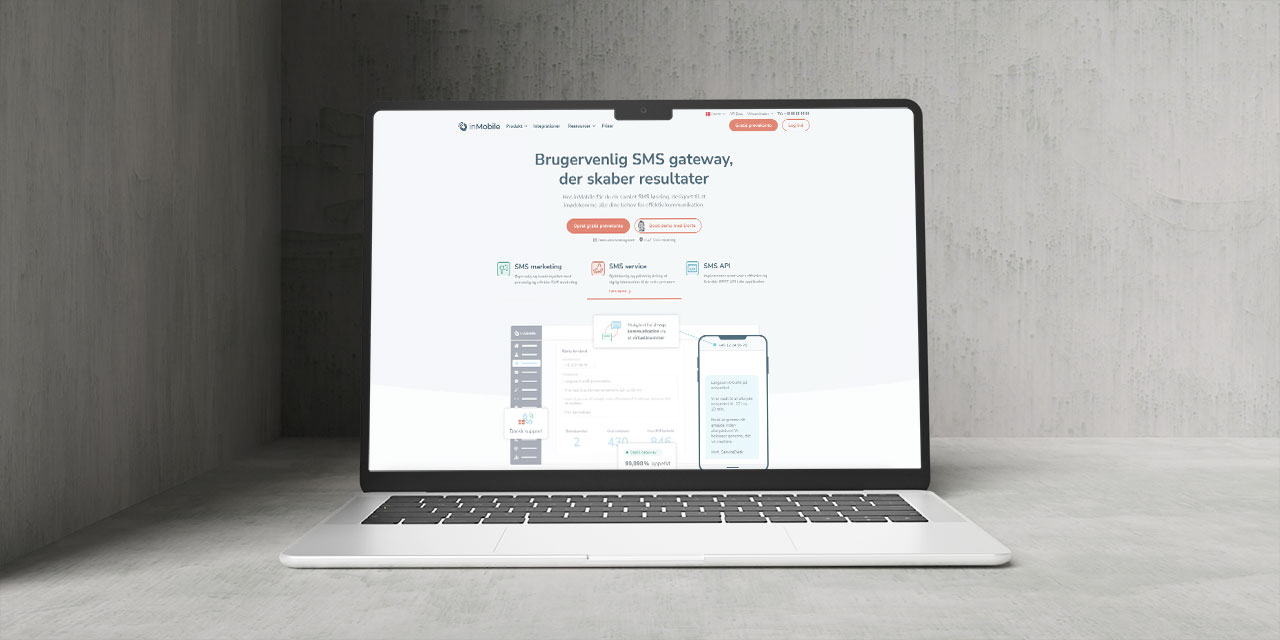
Easily integrate inMobile with Campaign Builder to send targeted SMS campaigns
Use Pixabay

Faster campaigns, better visuals

Access top free stock images and videos, all ready to use inside Campaign Builder.
How to Avoid Feed Issues

How to Avoid Feed Issues

From missing attributes to outdated data, feed problems can hurt your campaigns. Here is how to prevent them.
Facebook Advantage+ Vs CB

Facebook Advantage+ Vs CB

Facebook Advantage+ is great - until you need full creative control, feed logic, or scalable workflows across clients.
Why Use HTML5 Ads?

Why Use HTML5 Ads?

In digital marketing, attention is everything. Static ads are outdated - HTML5 ads are dynamic, interactive, and the new gold standard.
Stop Managing Ads in Silos

Stop Managing Ads in Silos

Our SaaS ad platform empowers modern marketing teams to build, launch, and optimize high-performing campaigns across every channel.
Catalog Ads Are a Growth Gold.

Catalog Ads Are a Growth Gold...

Most Facebook Catalog Ads are underperforming. Not because the format isn’t powerful but because marketers are settling for the default.
How to Perfect Your Shopping Feed

How to Perfect Your Shopping F...

With over two decades in product and digital commerce management, I've witnessed how the smallest technical details can make or break...
Why Adapting to Facebook settings

Why Adapting to Facebook’s N...

If you have been running Meta ads for any length of time, you have already noticed how fast things shift from targeting policies to creative formats...
Create More Campaigns. In Less Time

Scale Campaigns Like Never Before

Turn your creation process into a scalable, automated engine. Build hundreds of high-performing campaigns in minutes.