
This approach allows marketing teams and agencies to promote large inventories, react instantly to price or stock changes, and personalize ads at scale across platforms like Facebook and Instagram. In this guide, we explain how catalog ads work, why they perform so well, and how Campaign Builder helps you manage them efficiently.
What Catalog Ads Are and How They Work
Catalog ads are dynamic ads generated directly from a product catalog, also known as a product feed. The feed contains structured data such as product titles, images, prices, availability, and landing page URLs.
When a user is eligible to see an ad, the advertising platform automatically selects relevant products from the catalog and assembles the ad in real time. This ensures that users always see up-to-date products that match their interests or previous behavior.
Instead of managing hundreds or thousands of individual ads, advertisers work with a single setup that scales automatically as the catalog grows or changes.
Why Catalog Ads Perform So Well for E-Commerce
The primary reason catalog ads perform so well is relevance. Users are shown products they have already interacted with or products closely aligned with their interests. This level of personalization is difficult to achieve with static ads.
Catalog ads also scale efficiently. A single campaign can promote an entire product range without increasing manual workload, making them ideal for performance-driven marketing teams.
Because product data is pulled directly from the feed, pricing, availability, and promotions remain accurate, which improves user trust and reduces wasted ad spend.
Common Use Cases and Strategic Applications
Catalog ads are most commonly used for retargeting, where users see products they previously viewed but did not purchase. This keeps products top of mind and often leads to higher conversion rates.
They are also effective for prospecting, introducing new users to relevant products based on interests or audience signals. Seasonal campaigns, sales promotions, and product bundles are additional common use cases.
Many advertisers combine multiple use cases within the same account, allowing catalog ads to support both customer acquisition and retention strategies.
Creating and Managing Catalog Ads with Campaign Builder
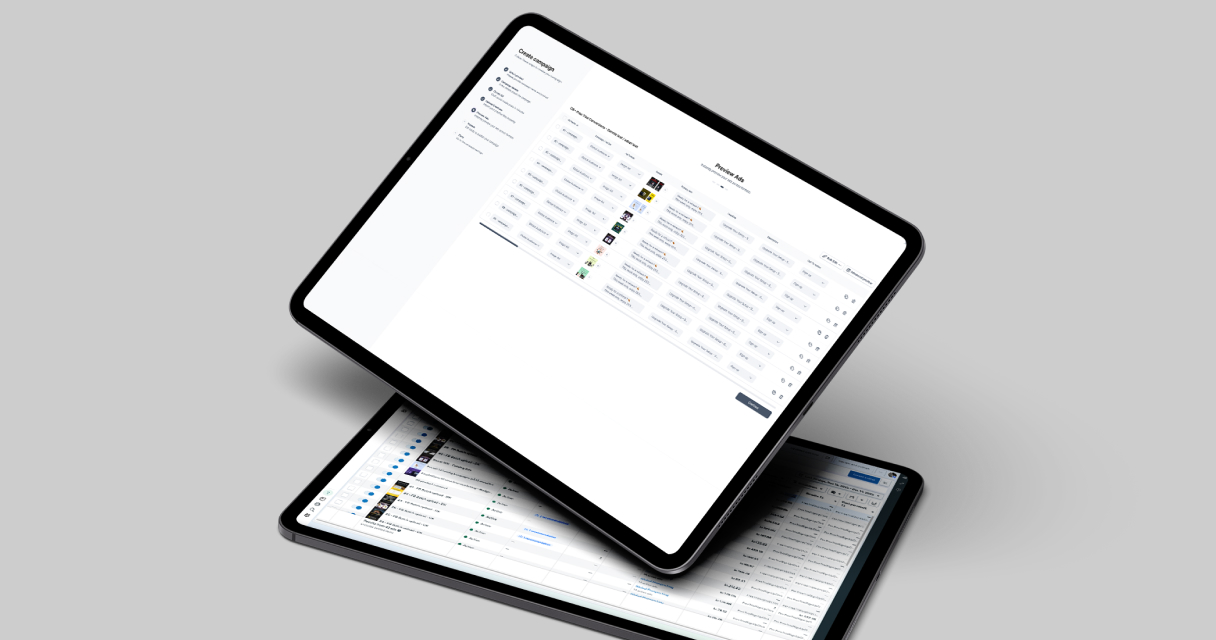
Campaign Builder simplifies catalog ad creation by combining feed management, visual ad creation, and campaign workflows into a single platform. You begin by connecting your product feed and mapping the required fields to ensure data accuracy.
From there, you design a reusable visual framework that defines how ads should look across formats and placements. While products update dynamically, layouts, branding, and messaging remain consistent.
This approach reduces setup time, minimizes errors, and makes it easier to manage catalog ads across multiple campaigns or accounts.
Optimization, Measurement, and Best Practices
High-performing catalog ads require ongoing optimization. This includes analyzing product-level performance, testing creative layouts, and segmenting catalogs based on categories, margins, or engagement.
Key metrics include click-through rate, conversion rate, return on ad spend, and cost per acquisition. Reviewing performance at both campaign and product level helps guide better decisions.
By reducing manual work and enabling faster iteration, Campaign Builder makes it easier to maintain and improve catalog ad performance over time.


.jpg)