.jpg)
Campaign Builder provides tools for scheduling content across platforms, giving teams centralized control over publishing calendars and workflows. However, effective scheduling is more than setting dates and times. It requires strategic planning, audience awareness, and an understanding of engagement patterns.
In this guide, we’ll cover essential social media scheduling tips, including planning content, optimizing timing, managing workflows, and maintaining consistency for maximum impact.
Why Scheduling Matters
Social media algorithms prioritize consistent engagement. Regular posting signals activity, builds trust with your audience, and increases the likelihood that your content appears in feeds. Conversely, sporadic posting can lead to reduced visibility and lost opportunities.
Scheduling also saves time. Instead of manually posting each day, teams can prepare content in bulk, align it with campaigns, and release it at optimal times automatically. This reduces operational stress and allows marketers to focus on content quality and strategy.
Planning Your Content Calendar
A well-structured content calendar is the backbone of effective social media scheduling. Start by mapping out campaigns, promotions, seasonal events, and recurring content themes.
Assign clear posting dates, times, and platforms for each piece of content. Consider audience behavior patterns and platform-specific best times for engagement. Planning ahead ensures that content flows logically and that campaigns are coordinated across channels.
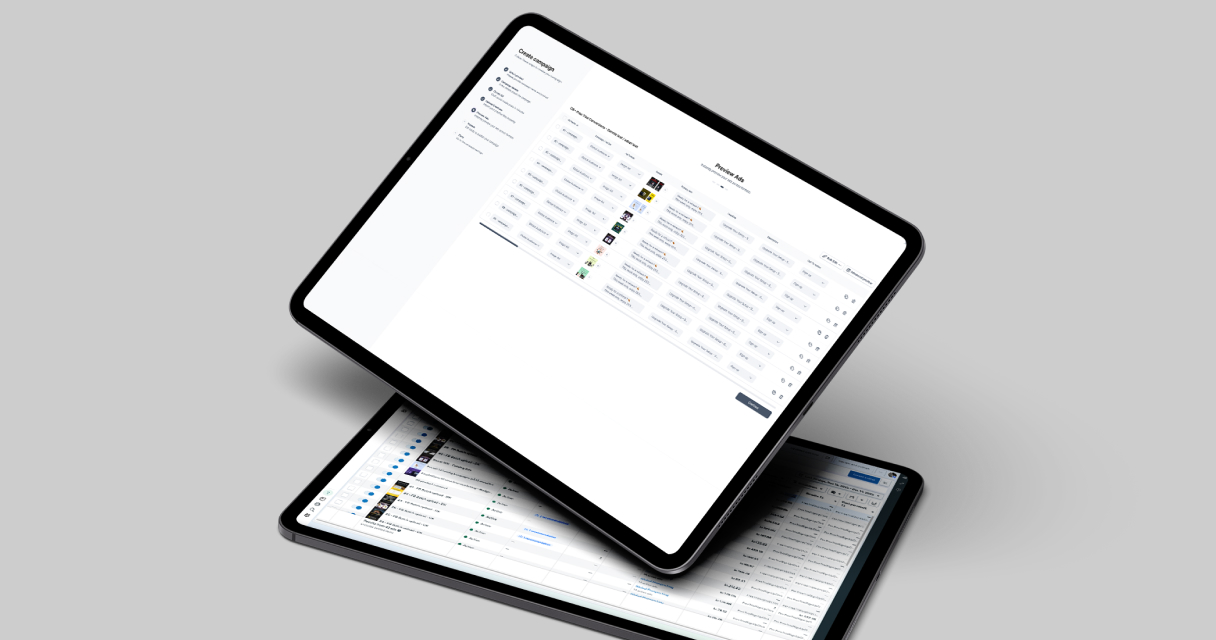
Campaign Builder allows teams to visualize and manage content calendars, providing a clear overview of scheduled posts and deadlines. This helps maintain consistency, avoid gaps, and ensure that messaging aligns with marketing objectives.
Optimizing Timing for Maximum Engagement
Posting at the right time is critical for engagement. Analyze historical data to identify when your audience is most active and likely to interact with content.
Consider factors such as:
- Time zones – ensure content reaches audiences when they are active locally
- Platform activity patterns – different networks have unique peak engagement times
- Content type – videos may perform better at certain times than images or text posts
Testing and iteration are key. Adjust your posting schedule based on engagement trends and performance data to optimize results over time.
Managing Workflows Efficiently
Scheduling is more than timing—it involves coordinating teams, content, and approvals. Establish clear workflows for creating, reviewing, and approving posts before they are scheduled.
Centralized management in Campaign Builder allows teams to collaborate efficiently, track changes, and ensure that all content meets quality standards. Structured workflows reduce errors, streamline communication, and maintain accountability across teams.
Using templates for recurring content types, such as product highlights or promotions, further improves workflow efficiency by minimizing repetitive tasks.
Maintaining Consistency Across Platforms
Consistency in posting and branding is crucial for building recognition and trust. Scheduled content ensures that your brand voice, visuals, and messaging remain uniform across channels.
When scheduling across multiple platforms, consider platform-specific nuances. Tailor copy, hashtags, and visuals to each network while maintaining overall messaging consistency.
Campaign Builder makes cross-platform scheduling manageable, allowing teams to coordinate posts without creating separate campaigns for each platform manually.
Monitoring Performance and Adjusting
Scheduling does not end once content is published. Monitoring performance allows teams to identify trends, adjust timing, and refine content for future posts.
Track engagement metrics such as likes, shares, comments, click-through rates, and reach. Use this data to inform your scheduling strategy, ensuring that content is posted when and where it performs best.
Campaign Builder supports performance tracking, enabling marketers to make informed decisions and optimize both timing and content for maximum results.
Avoiding Common Scheduling Pitfalls
Despite the benefits, scheduling can have pitfalls if not managed carefully. Common mistakes include:
- Overloading followers with too many posts at once
- Posting generic content without tailoring for platform or audience
- Neglecting to monitor performance and adjust schedules accordingly
- Failing to maintain visual or messaging consistency across channels
Avoiding these mistakes ensures that scheduling increases efficiency without reducing engagement or brand quality.
Conclusion
Effective social media scheduling improves consistency, engagement, and operational efficiency. By planning content calendars, optimizing timing, maintaining workflows, and monitoring performance, teams can maximize the impact of every post.
Campaign Builder streamlines scheduling across platforms, enabling marketers to coordinate campaigns, maintain brand consistency, and scale publishing efficiently. With a strategic approach, scheduling becomes a powerful tool to enhance social media performance and support broader marketing goals.
.jpg)