This guide explains the benefits of using a social media scheduler, how it works within Campaign Builder, and best practices to improve engagement while saving time.
What a Social Media Scheduler Is and How It Works
A social media scheduler allows teams to plan content ahead of time and schedule it for automatic publication. Instead of manually posting in real time, you can prepare content, choose the date and time for posting, and let the scheduler handle delivery across platforms like Facebook and Instagram.
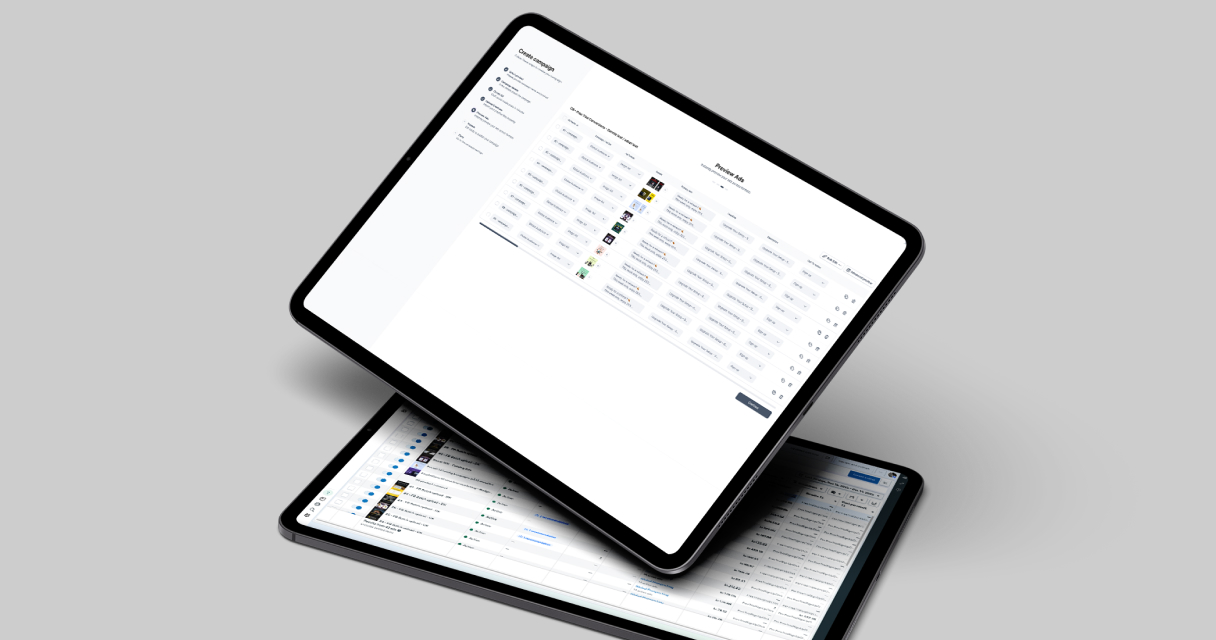
Campaign Builder integrates this functionality directly into your workflow, providing a visual calendar view, post preview, and scheduling options to make planning intuitive and efficient.
Why Scheduling Your Social Media Posts Improves Efficiency
Scheduling posts in advance saves time by consolidating multiple tasks into one workflow. Teams can batch-create content for an entire week or month, reducing daily manual effort.
Consistent posting also improves audience engagement. By scheduling posts at optimal times, you increase the likelihood that your content is seen and interacted with, without having to manually monitor posting times.
Furthermore, a scheduler helps avoid missed deadlines and last-minute scrambling, allowing marketing teams to focus on strategy, content quality, and creative optimization.
Common Use Cases for Social Media Scheduling
Social media scheduling is particularly useful for:
1. Content planning for multiple platforms, ensuring consistent messaging across channels.
2. Seasonal campaigns or promotions, where posts must go live at specific times.
3. Recurring posts or campaigns, such as weekly tips, announcements, or highlights.
4. Collaborative workflows, allowing teams to plan, review, and approve posts before publishing.
These use cases highlight how a scheduler is not just a time-saving tool - it is essential for strategic, scalable social media management.
Using the Social Media Scheduler with Campaign Builder
Campaign Builder’s Social Media Scheduler provides a drag-and-drop calendar, post preview, and bulk scheduling features. Users can plan posts for multiple accounts simultaneously, set custom posting times, and manage approvals within the platform.
The visual interface ensures that campaigns are cohesive, deadlines are met, and posts maintain brand consistency across all channels. Teams can also reuse templates for recurring content to streamline future scheduling.
This approach reduces errors, simplifies collaboration, and allows marketers to focus on content strategy instead of operational tasks.
Optimizing Your Social Media Scheduling Strategy
Scheduling posts is just the beginning. Optimizing performance requires tracking engagement metrics, analyzing audience behavior, and testing post timing and content formats.
Campaign Builder supports this by allowing you to make adjustments quickly and maintain an organized overview of all scheduled and published posts. By measuring performance and iterating on content, teams can continuously improve engagement and reach.
Effective scheduling ensures your social media campaigns are not only consistent and timely but also performance-driven, providing better ROI for your marketing efforts.
.jpg)