Published 28 Dec 2025

Maximize ROI with Paid Social Media Ads

Easily create, manage, and scale paid social media campaigns on Facebook, Instagram, and other platforms with Campaign Builder’s intuitive tools.

What Are HTML5 Ads and Why Should You Be Using Them?

What Are Social Media Paid Ads?

Paid social media ads are advertisements that appear on platforms like Facebook, Instagram, LinkedIn, and TikTok. They allow businesses to target specific audiences with personalized messaging to drive conversions, leads, or sales.

Social Media Paid Ads are widely used by agencies, ecommerce brands, and in-house marketing teams to amplify reach and engage targeted audiences effectively.

Why Paid Social Ads Are Important

Organic reach alone is no longer enough to reach your audience. Paid ads enable marketers to promote content to highly targeted users, measure performance, and optimize campaigns for maximum ROI.

  • Target audiences based on demographics, interests, and behavior
  • Boost reach and visibility for campaigns
  • Run dynamic campaigns with product feeds or custom creatives
  • Track performance and optimize for conversions

How Campaign Builder Supports Paid Social Ads

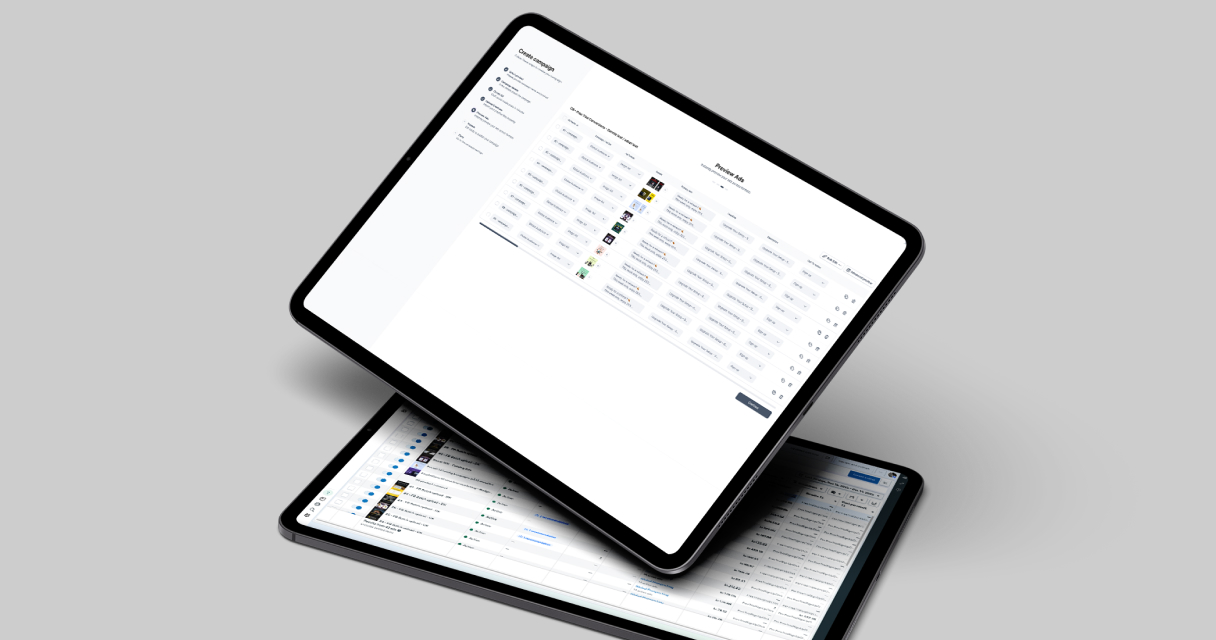
Campaign Builder allows users to create paid social campaigns on Facebook and Instagram, with features like batch upload for multiple ads, drag-and-drop creative editing, and automated workflow integration.

Learn more on our Social Media Paid Ads page.

Best Practices for Paid Social Media Ads

  • Use batch uploads: Save time by uploading multiple ad variations at once.
  • Optimize targeting: Segment audiences based on behavior, interests, and demographics.
  • Test ad creatives: Experiment with different images, videos, and copy for higher performance.
  • Leverage dynamic ads: Use product feeds to automatically create personalized ads.
  • Monitor campaigns closely: Track key metrics like CTR, CPC, and conversions for optimization.

Use Cases for Paid Social Ads

  • Promote products using Facebook and Instagram catalog ads
  • Retarget website visitors with dynamic creatives
  • Increase brand awareness and engagement with targeted campaigns
  • Drive traffic and conversions for ecommerce and lead generation campaigns

Built for Efficiency and Scale

Campaign Builder’s platform allows marketers to manage multiple campaigns, ad sets, and creatives simultaneously. The batch upload feature ensures you can scale campaigns quickly without sacrificing quality.

Why Choose Campaign Builder for Paid Social Ads

Campaign Builder unifies campaign creation, catalog integration, and automation in a single platform. This enables agencies and marketing teams to launch, optimize, and scale paid social media campaigns efficiently.

Get started with Social Media Paid Ads or explore related tools like Catalog Ads and Batch Upload.
Frequently asked questions

Frequently Asked Questions About Social Media Paid Ads
Is there a free trial aWhat are social media paid ads?vailable?
Paid social media ads are advertisements on platforms like Facebook and Instagram that target specific audiences to drive engagement, leads, or sales.
Can I create multiple ads at once?
Yes. Campaign Builder supports batch uploads, allowing you to create multiple ad variations efficiently.
Which platforms are supported?
Campaign Builder supports Facebook and Instagram paid ad campaigns.
How do I optimize paid social campaigns?
Test creatives, optimize targeting, leverage dynamic ads with product feeds, and monitor key metrics for performance improvements.
Can paid social ads integrate with other Campaign Builder tools?
Yes. Paid social ads integrate seamlessly with Catalog Ads, Batch Upload, and Automation Workflows for efficient campaign management.

Latest blog posts

Fresh Strategies to Get the Most from Our Ad Platform
Use Pixabay

Facebook Ads Batch Upload

Save time - create ads 10× faster with Campaign Builder Ads Batch upload.
Use Pixabay

Campaign Mockups

Digital campaigns are only as strong as the visuals that support them.
Use Pixabay

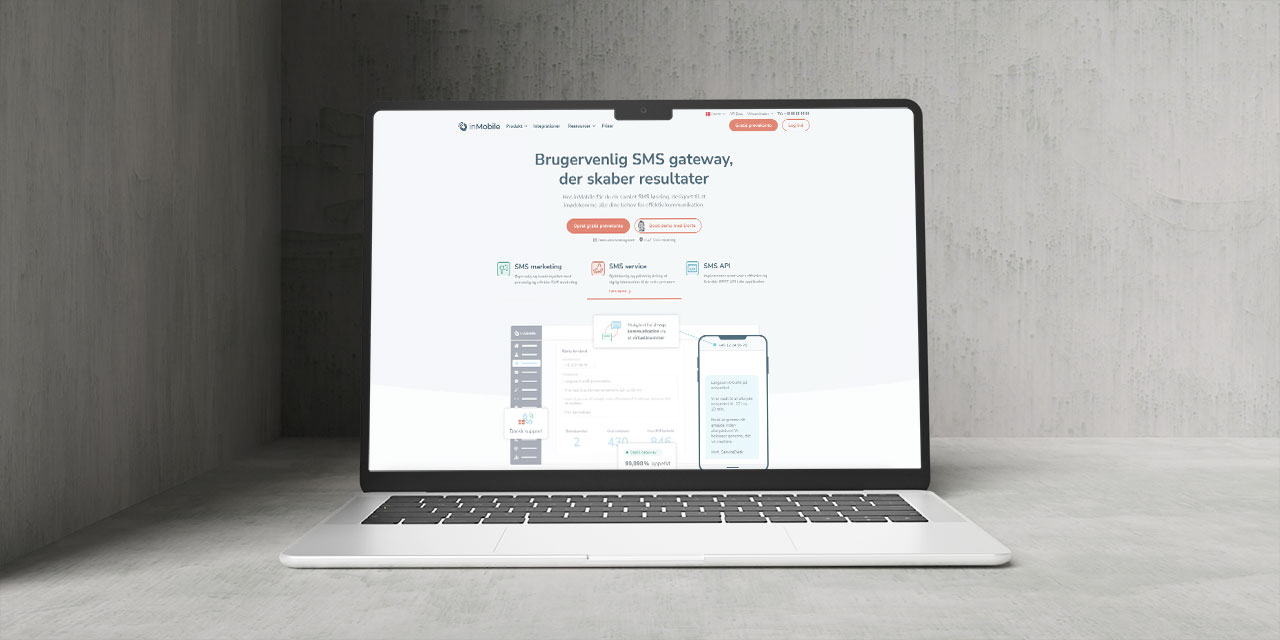
InMobile Integration

Easily integrate inMobile with Campaign Builder to send targeted SMS campaigns
Use Pixabay

Faster campaigns, better visuals

Access top free stock images and videos, all ready to use inside Campaign Builder.
How to Avoid Feed Issues

How to Avoid Feed Issues

From missing attributes to outdated data, feed problems can hurt your campaigns. Here is how to prevent them.
Facebook Advantage+ Vs CB

Facebook Advantage+ Vs CB

Facebook Advantage+ is great - until you need full creative control, feed logic, or scalable workflows across clients.
Why Use HTML5 Ads?

Why Use HTML5 Ads?

In digital marketing, attention is everything. Static ads are outdated - HTML5 ads are dynamic, interactive, and the new gold standard.
Stop Managing Ads in Silos

Stop Managing Ads in Silos

Our SaaS ad platform empowers modern marketing teams to build, launch, and optimize high-performing campaigns across every channel.
Catalog Ads Are a Growth Gold.

Catalog Ads Are a Growth Gold...

Most Facebook Catalog Ads are underperforming. Not because the format isn’t powerful but because marketers are settling for the default.
How to Perfect Your Shopping Feed

How to Perfect Your Shopping F...

With over two decades in product and digital commerce management, I've witnessed how the smallest technical details can make or break...
Why Adapting to Facebook settings

Why Adapting to Facebook’s N...

If you have been running Meta ads for any length of time, you have already noticed how fast things shift from targeting policies to creative formats...
Create More Campaigns. In Less Time

Scale Campaigns Like Never Before

Turn your creation process into a scalable, automated engine. Build hundreds of high-performing campaigns in minutes.