Rather than showing the same generic ad to everyone, catalog-based retargeting allows brands to reconnect with potential customers using products they have already viewed or interacted with. This increases relevance, engagement, and conversion rates.
In this article, we explore practical retargeting strategies using catalog ads, how to structure your approach, common pitfalls to avoid, and how Campaign Builder supports efficient and scalable execution.
What Makes Catalog Ads Ideal for Retargeting
Catalog ads are inherently dynamic. Instead of relying on manually created creatives, they automatically pull product data from your catalog to generate ads tailored to each user.
This dynamic nature makes catalog ads particularly effective for retargeting because they align ad content with user intent. A visitor who viewed a specific product can be retargeted with that exact item or with related products, increasing the likelihood of conversion.
Catalog ads also scale efficiently. Whether you are retargeting hundreds or thousands of products, the same feed-driven setup can support large volumes without requiring manual creative production.
Core Retargeting Strategies Using Catalog Ads
Effective retargeting strategies are built on clear audience segmentation and thoughtful messaging. Common approaches include:
Viewed Product Retargeting: Showing users the exact products they viewed but did not purchase. This is one of the highest-performing strategies because it directly reflects user interest.
Cart Abandonment Retargeting: Re-engaging users who added products to their cart but did not complete the purchase. These users are often close to conversion and respond well to reminders or incentives.
Category-Based Retargeting: Displaying products from the same category a user interacted with, rather than a single product. This approach works well when product availability changes frequently.
Cross-Sell and Upsell Retargeting: Promoting complementary or higher-value products to users who have already purchased or engaged with related items.
Each strategy serves a different stage of the user journey and should be selected based on your business goals and audience behavior.
Structuring Retargeting for Scale
Scaling retargeting efforts requires structure and consistency. Without a clear framework, retargeting campaigns can become fragmented or repetitive.
Start by defining clear audience segments based on behavior, such as product views, cart activity, or purchase history. Each segment should have a defined message and product selection strategy.
Next, align your catalog structure with these segments. Group products logically so that retargeting ads remain relevant even as your catalog changes. This reduces manual work and ensures long-term scalability.
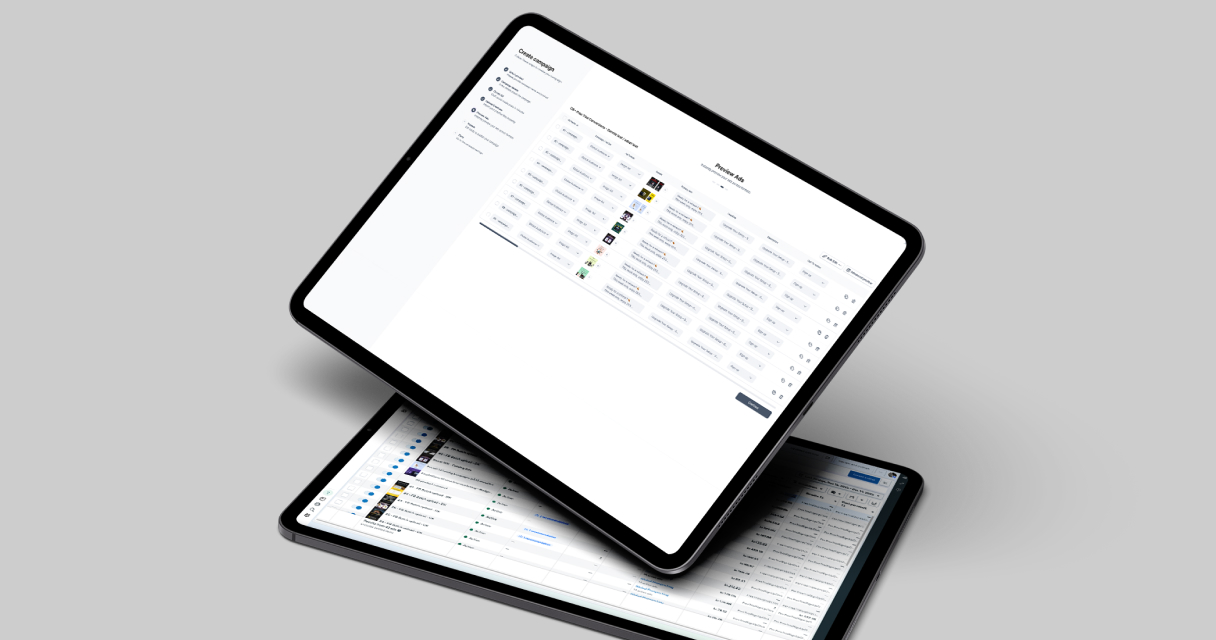
Campaign Builder supports this approach by allowing teams to manage creatives and product selections in bulk, making it easier to maintain consistency across large retargeting setups.
Creative and Messaging Best Practices
While catalog ads automate product selection, creative and messaging still play a critical role in performance. Dynamic ads should feel intentional, not generic.
Use clear and concise copy that reinforces why the user should return. This might include reminders, benefits, or reassurance about delivery, returns, or product quality.
Visual consistency is equally important. Ensure that product images follow a similar style and quality standard. Consistent branding builds trust and makes ads more recognizable.
Avoid overwhelming users with too many products in a single ad. Focus on relevance and clarity rather than volume.
Avoiding Common Retargeting Mistakes
Despite its effectiveness, retargeting can backfire if not managed carefully. Common mistakes include:
- Overexposing users to the same products for extended periods
- Retargeting users who have already converted without exclusion logic
- Using outdated product data or unavailable items
- Applying identical messaging to all audience segments
- Ignoring frequency and user fatigue
To avoid these issues, regularly review performance, refresh creatives, and adjust product selections. Retargeting should feel helpful and relevant, not intrusive.
Measuring Performance and Iterating
Measuring the success of catalog retargeting requires consistent monitoring of key performance indicators such as click-through rate, conversion rate, and return on ad spend.
Analyze which audience segments and product groups perform best, and use those insights to refine your strategy. Pause underperforming setups and reallocate focus toward high-intent users.
Campaign Builder enables teams to manage and adjust creatives in bulk, making iteration faster and more efficient. This allows marketers to respond to performance trends without rebuilding ads from scratch.
Conclusion
Retargeting with catalog ads combines relevance, automation, and scalability. By aligning product data with user behavior, brands can deliver highly personalized ad experiences that drive conversions.
A successful strategy depends on clean product feeds, thoughtful audience segmentation, consistent creative standards, and continuous optimization. Campaign Builder supports these efforts by simplifying bulk workflows and creative management, allowing teams to scale retargeting campaigns efficiently and effectively.


.jpg)