
What Are Marketing Forms?
Marketing forms are online forms used to collect information from website visitors, such as contact details, survey responses, or campaign entries. They are essential for capturing leads, understanding customer preferences, and powering marketing automation.
Forms are widely used by ecommerce brands, agencies, and in-house marketing teams to drive conversions and improve campaign performance.
Why Forms Are Critical for Marketing Success
Forms enable organizations to capture qualified leads, gather customer insights, and trigger automated workflows. They are the foundation for building email lists, running competitions, collecting feedback, and nurturing prospects effectively.
- Capture email addresses and phone numbers for campaigns
- Integrate with automation workflows for personalized marketing
- Run surveys, quizzes, and competitions to collect valuable data
- Track leads and performance for reporting and optimization
How Forms Work in Campaign Builder
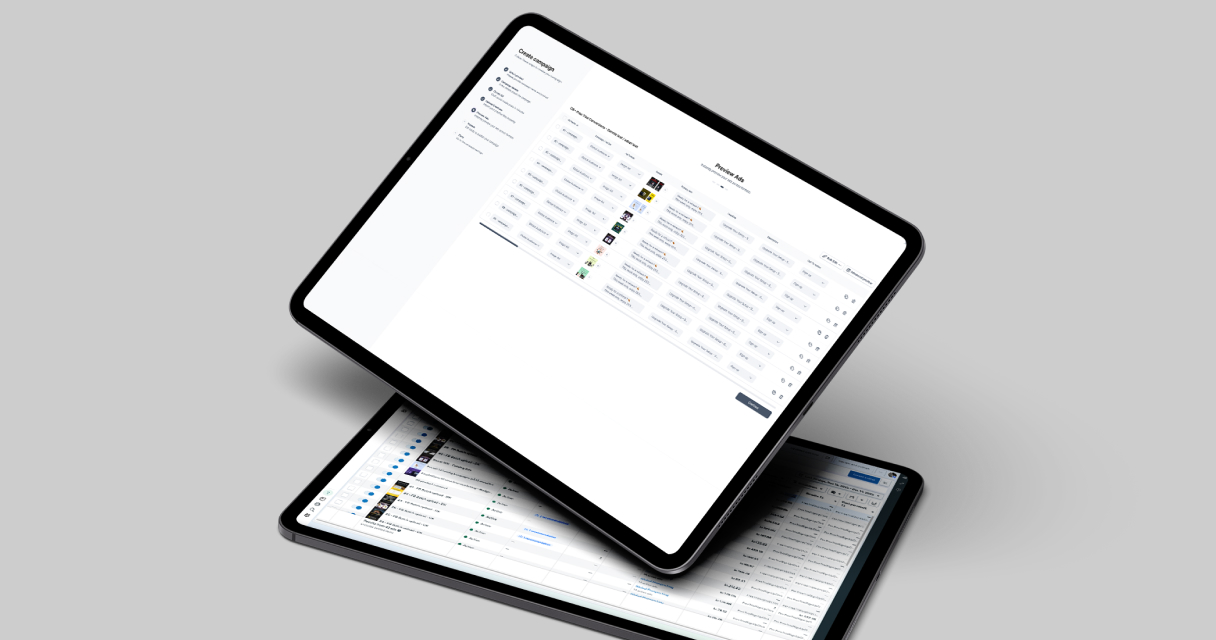
With Campaign Builder, you can create forms using a drag-and-drop editor or start from pre-built templates. Forms can be embedded on websites, landing pages, or popups, and seamlessly integrate with automation workflows for efficient follow-up.
Learn more about creating forms on our Forms page.
Simplify Form Creation With Drag-and-Drop Builder
Choose from a variety of pre-built blocks and customize them with our intuitive drag-and-drop editor. Start from a ready-to-use template to launch your form in minutes and start capturing leads right away.
Simplify Forms. Automate Workflows. Boost Results
A no-code online form builder that streamlines data collection and automates workflows, helping organizations work smarter and drive growth. With advanced features like form prefill and multi-step workflows, it delivers enterprise-grade capabilities while keeping simplicity at the forefront.
Best Practices to Optimize Forms
- Keep forms simple: Only request necessary information to reduce friction.
- Use multi-step forms: Break long forms into steps to improve completion rates.
- Leverage prefill and automation: Prepopulate known data and trigger automated workflows for better engagement.
- Test forms on multiple devices: Ensure responsiveness and usability across desktops, tablets, and mobile devices.
- Include clear CTAs: Make it obvious what users should do after submitting the form.
Use Cases for Marketing Forms
- Lead capture for email and SMS campaigns
- Competitions, quizzes, and surveys
- Customer feedback and NPS surveys
- Event and webinar registrations
Why Choose Campaign Builder for Forms
Campaign Builder unifies form creation, feed integration, and automation workflows in one platform. You can build, optimize, and deploy forms faster while maintaining control over design, data collection, and campaign performance.
Get started with Forms or explore related tools like Popups and Automation Workflows.

.jpg)