You can send messages immediately or schedule them for a specific time and date.
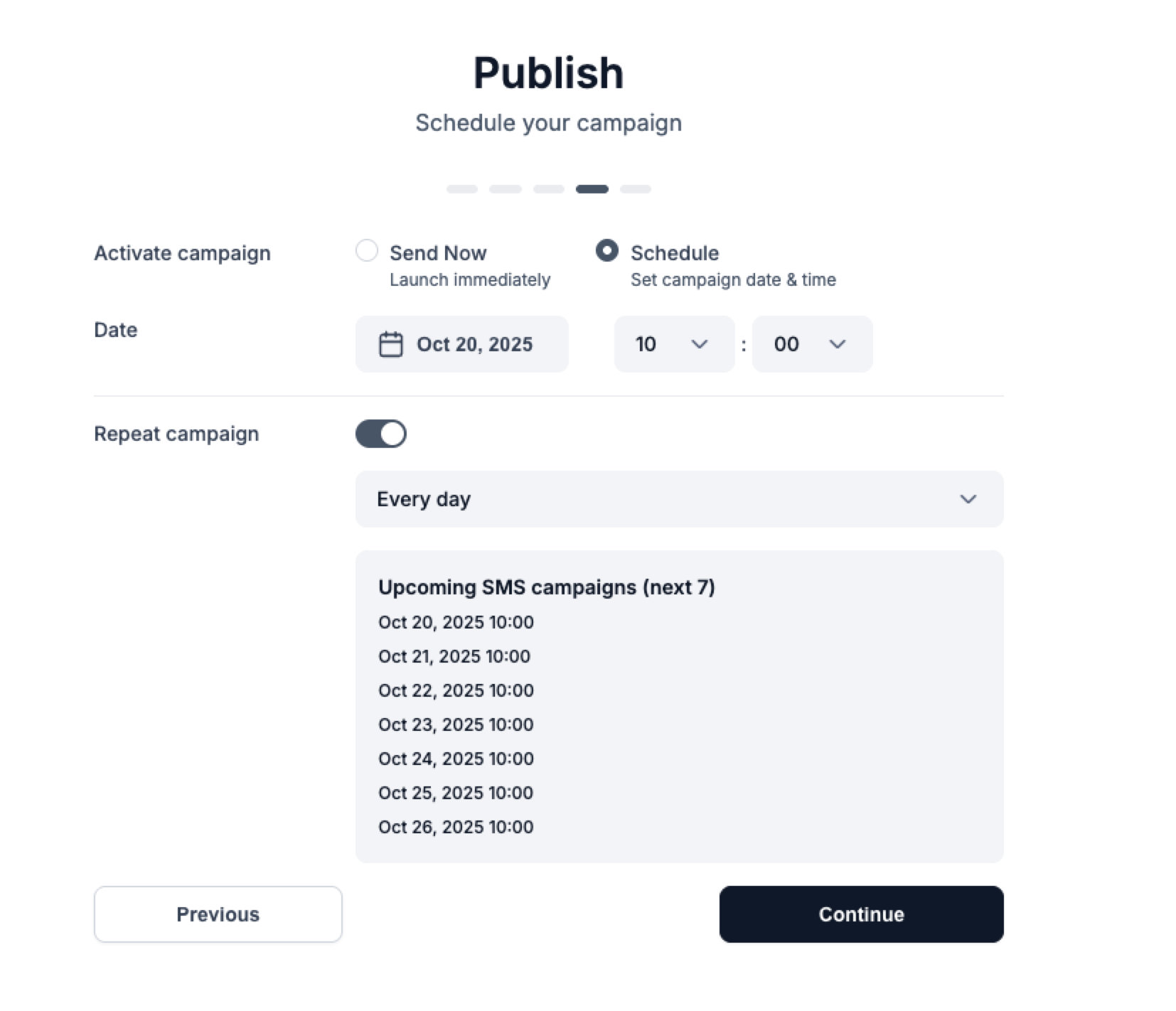
Select Activate campaign → Send Now.
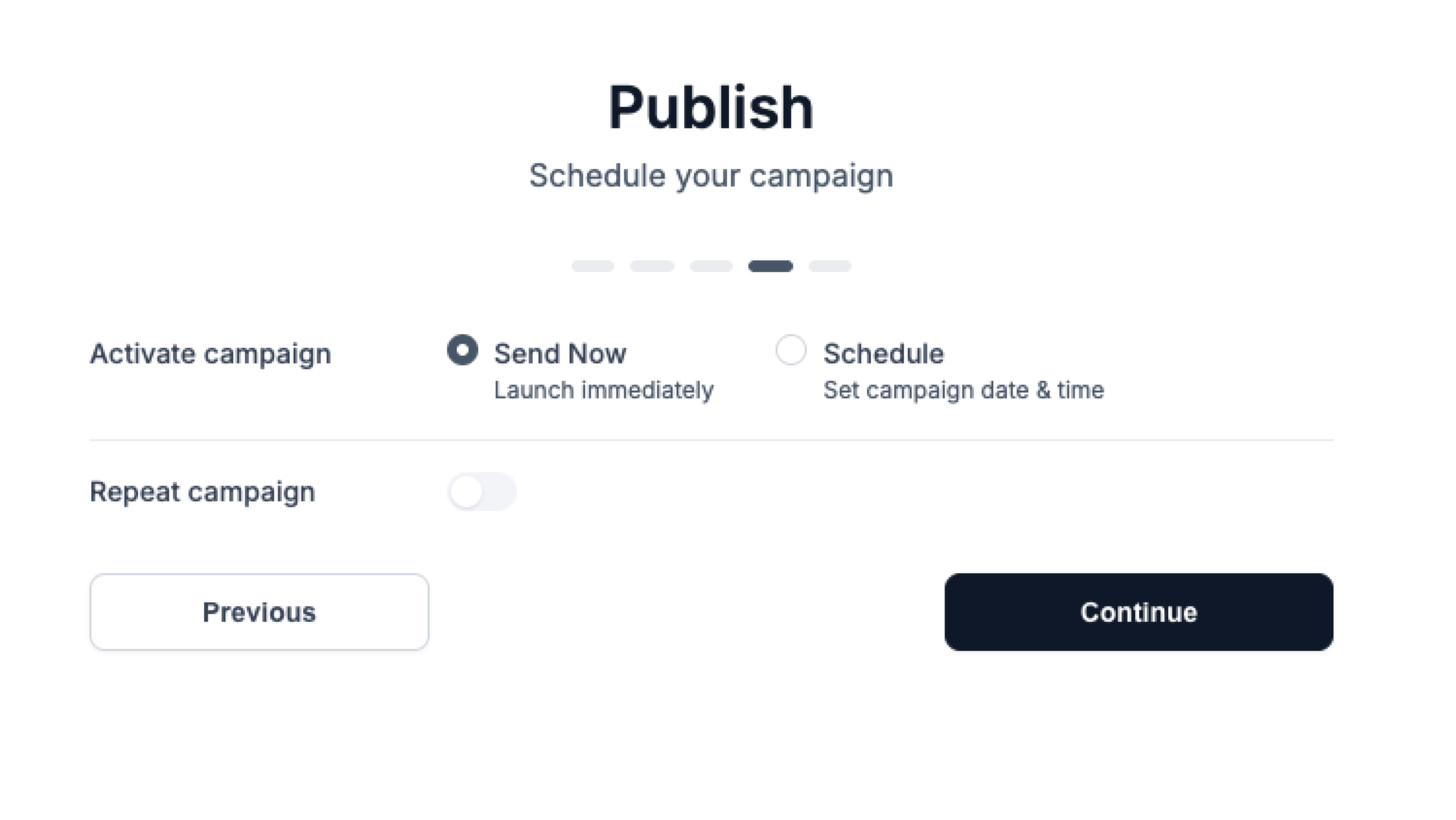
You can update any setting on the campaign settings page, provided the campaign isn’t currently processing.
You can see upcoming campaigns in the “Next 7 scheduled campaigns” list.

