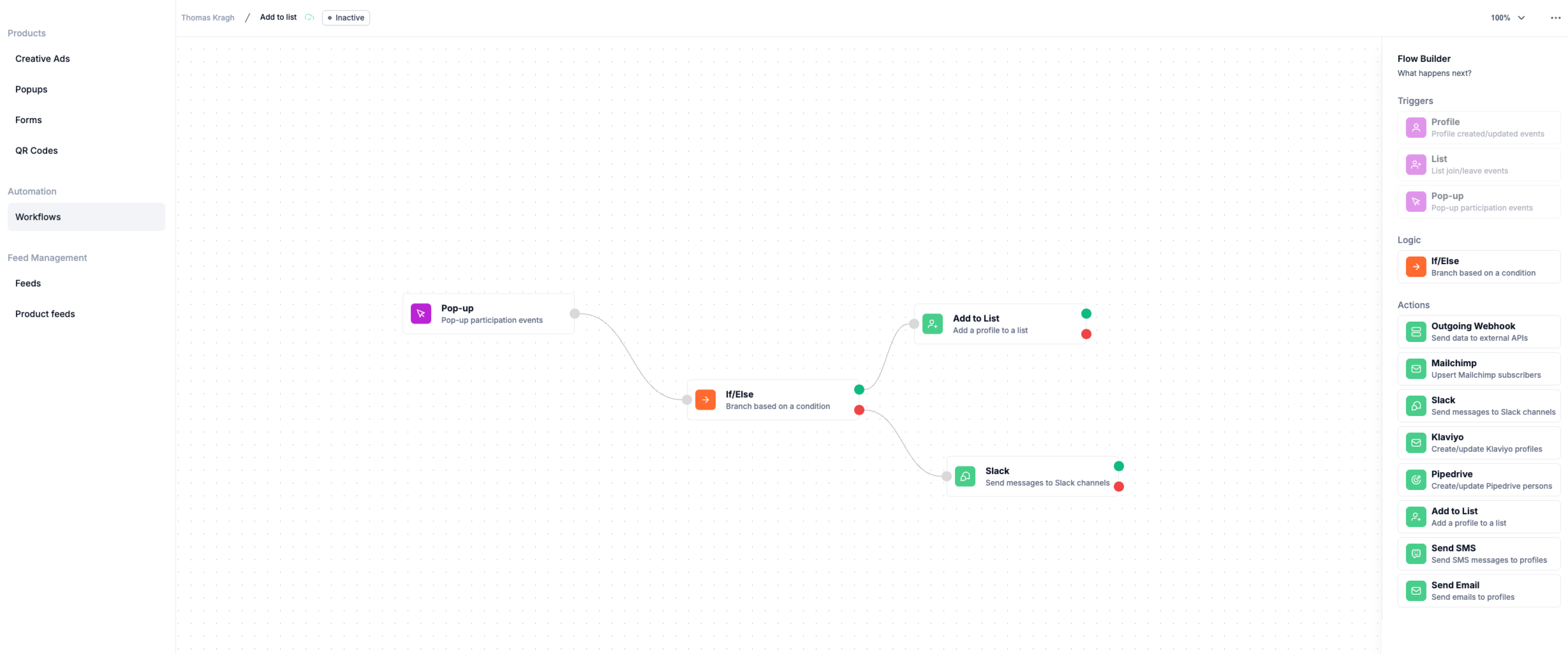
Logic lets your workflow respond differently depending on conditions. Campaign Builder uses If/Else statements to handle logic.
Example Scenario:
- If a new user’s country is “Denmark,” send a Danish email.
- Else, send the standard English email.
Step-by-Step Instructions:
- Click Add Logic in your workflow.
- Select If/Else.
- Define your condition(s), such as country, age, or signup source.
- Connect the corresponding actions for each path.
Tips for Beginners:
- Logic is powerful, but keep it simple at first. One or two conditions are easier to manage.
- Use logic to personalize communication and improve engagement.