Before you can publish or schedule Instagram posts from Campaign Builder, your Instagram account needs to be linked directly to a Facebook Page you manage. This connection allows Meta to verify permissions and let external tools like Campaign Builder post on your behalf.
Meta requires that:
Without this connection, it is not possible to publish content to Instagram.
Follow these steps to connect your Instagram account:
Go to your account settings here:
👉 https://www.facebook.com/settings
From there:
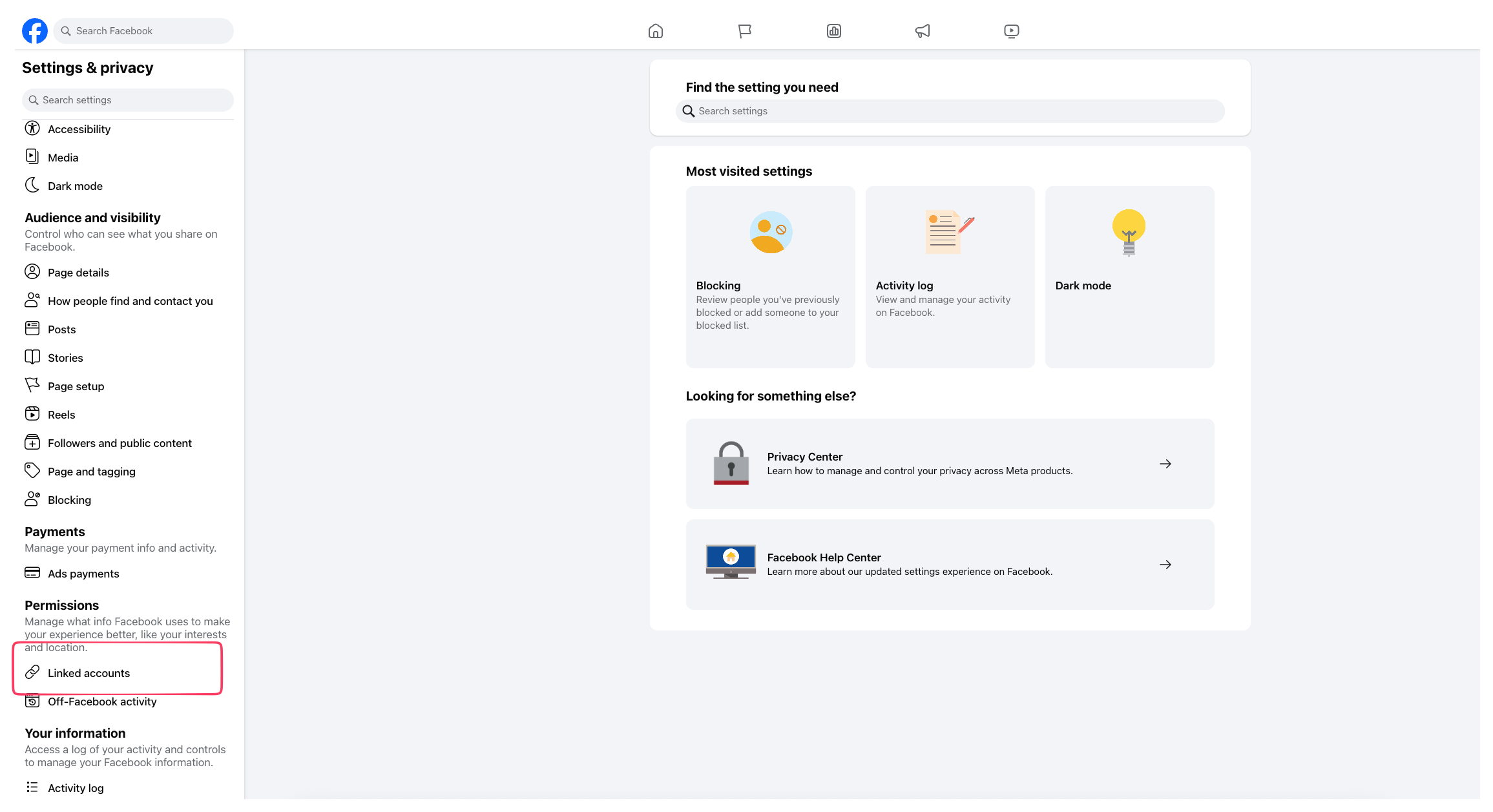
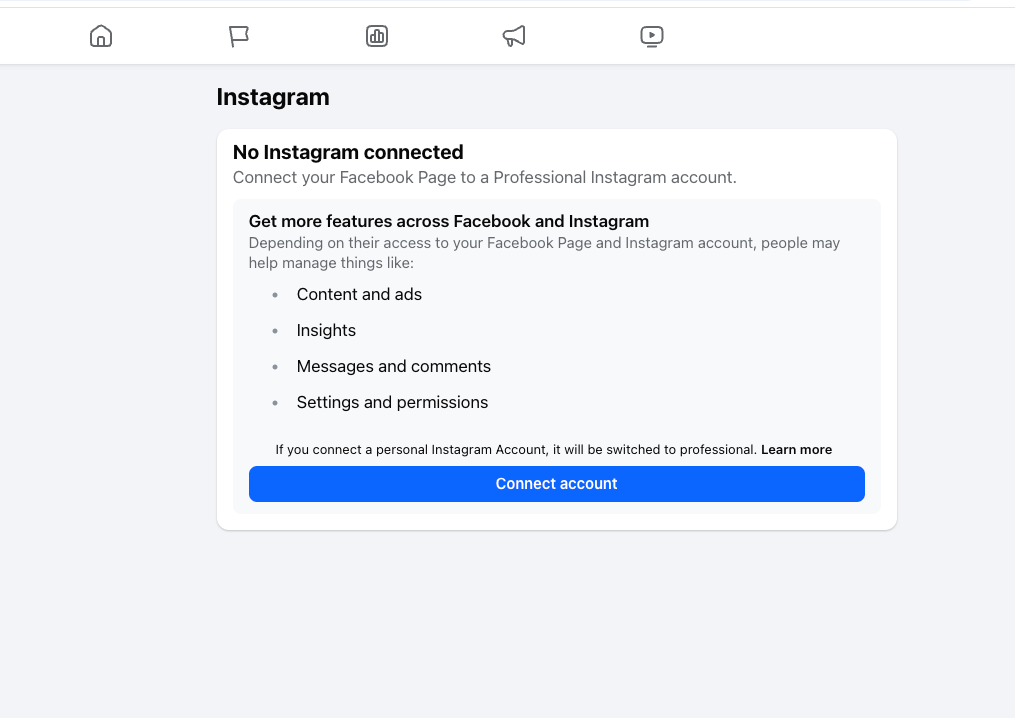
Under Linked Accounts, click Instagram and then Connect account. A new window will open asking you to log in to Instagram.
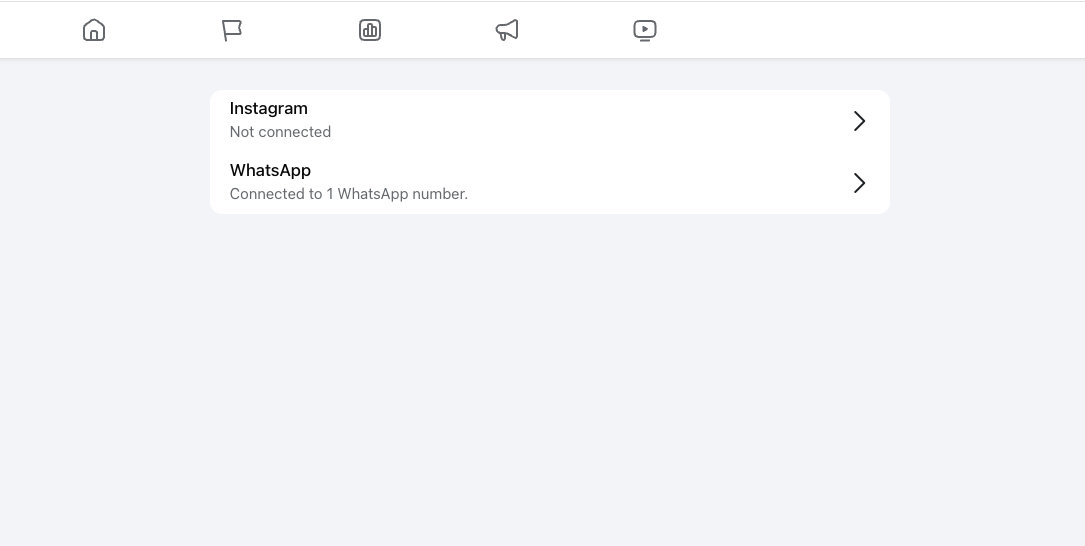
Now it is time to connect your account
Enter your Instagram credentials (username + password) in the popup.
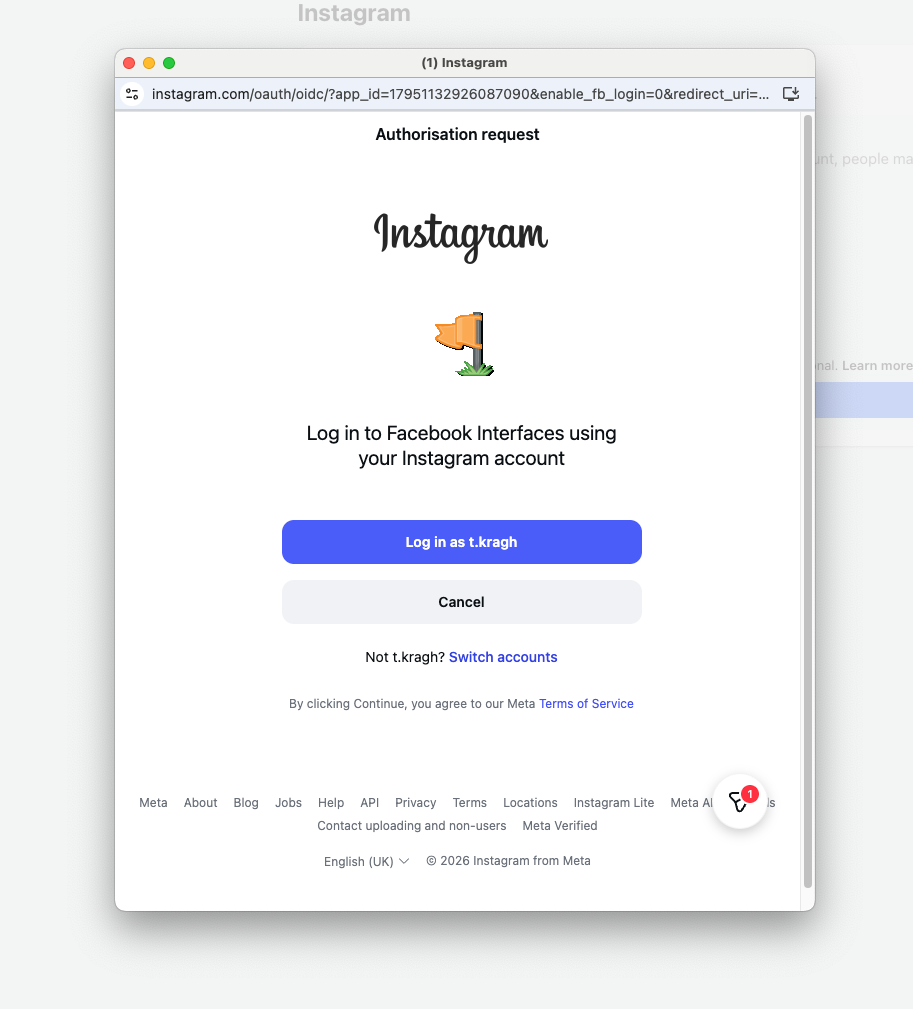
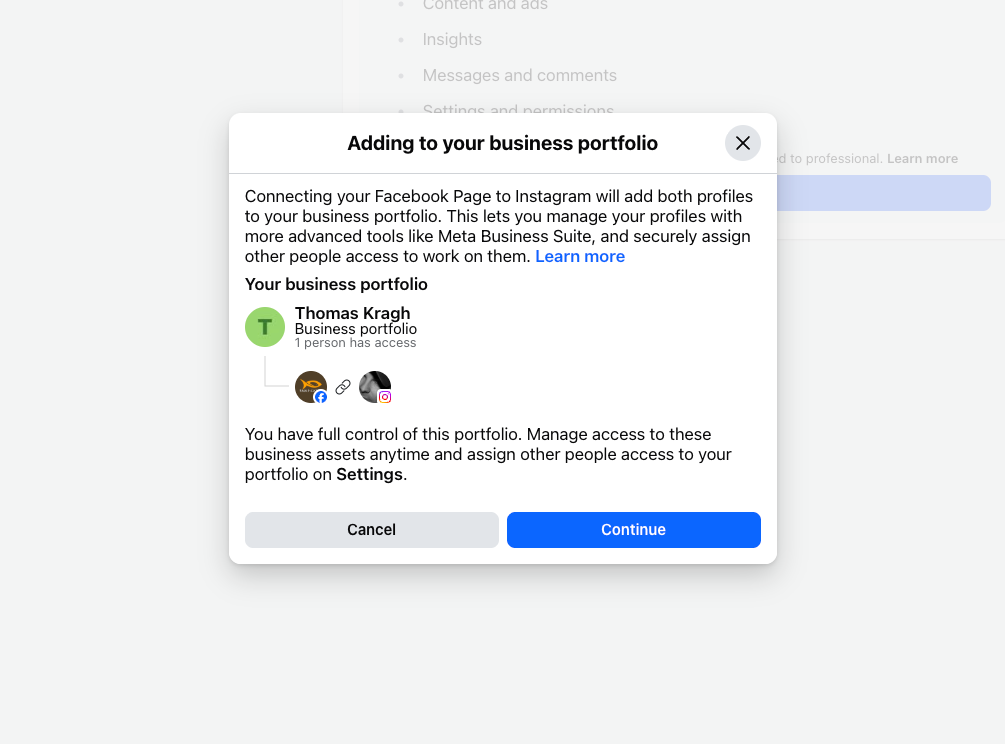
After logging in, Facebook will confirm the connection. Make sure the correct Instagram account is shown.
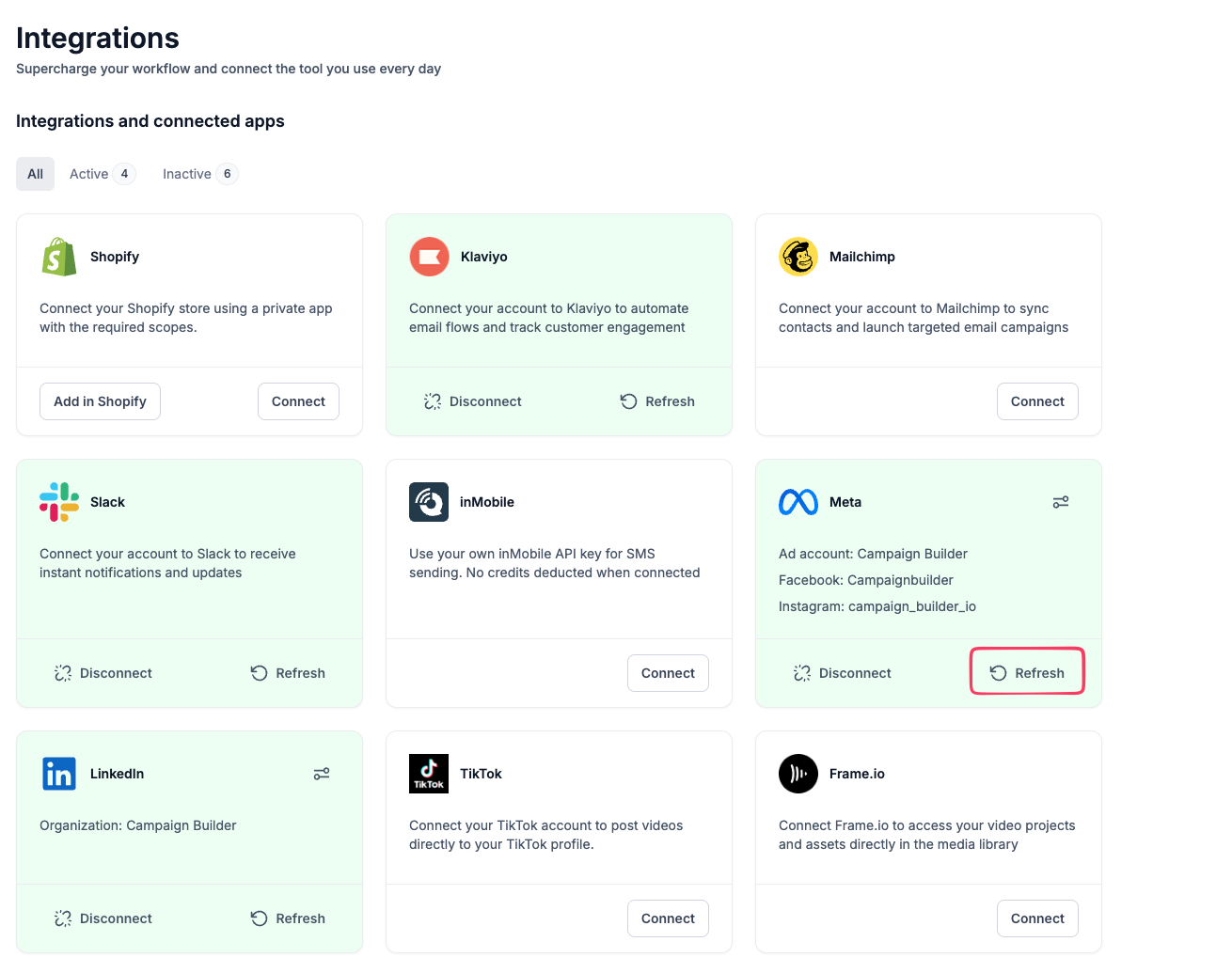
Go back to Campaign Builder and go to application page https://app.campaignbuilder.io/settings/integrations
Click Refresh or re‑connect your Facebook integration to load the newly linked Instagram account.
Tip: Sometimes it takes a minute for Facebook to update - if the Instagram account doesn’t appear right away, try refreshing the page or logging out and in again.

