The Facebook Conversions API lets you send conversion data directly from your server to Meta - bypassing ad blockers and browser restrictions for more accurate tracking and better ad results.
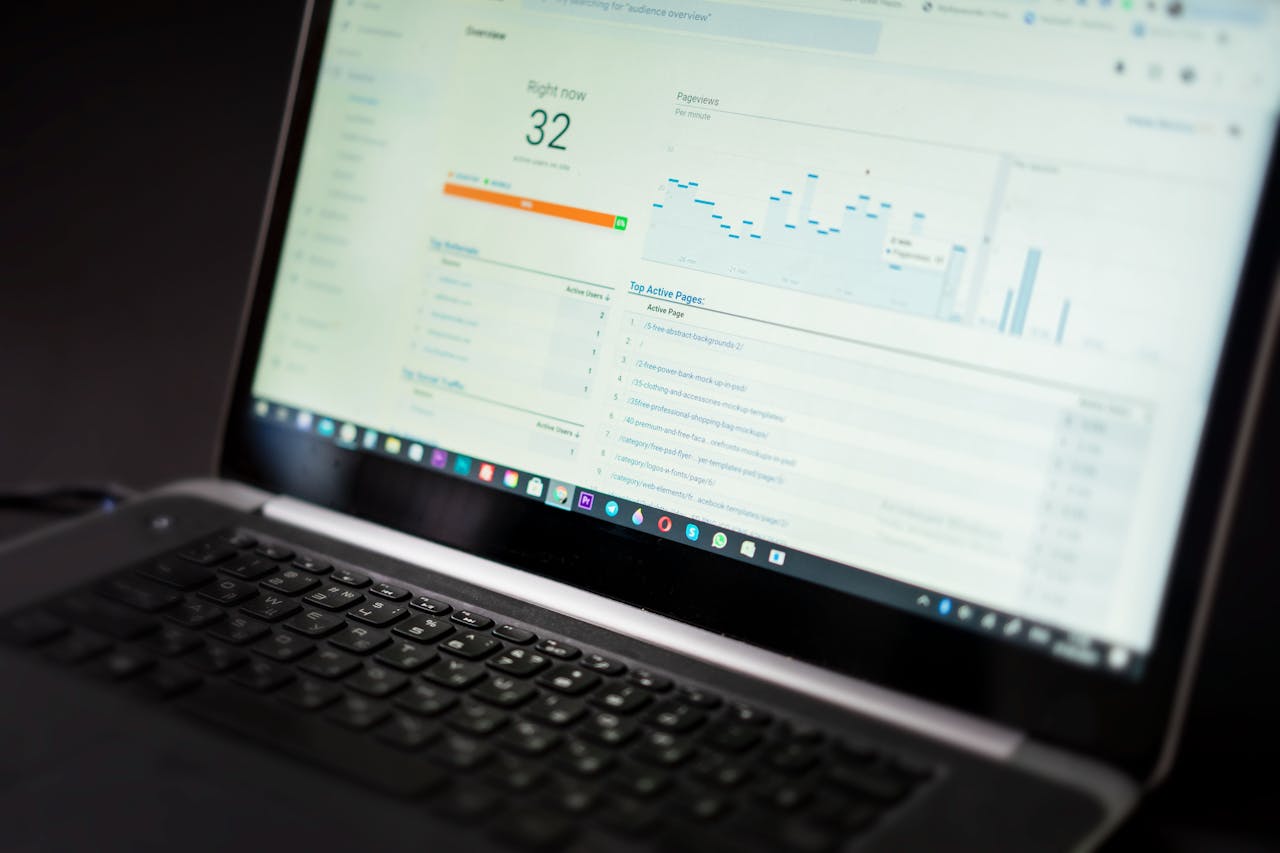
The Facebook Conversions API (CAPI) is a server-side tracking tool that lets advertisers send conversion events directly from their server to Meta's advertising platform - without relying on a browser. Unlike the traditional Meta Pixel, which runs as a JavaScript snippet in the user's browser, CAPI bypasses the browser entirely and sends data straight from your backend to Meta.
This means your conversion data gets through even when users have ad blockers, cookie restrictions, or privacy extensions enabled - giving you a more complete and accurate picture of your ad performance.
For years, the Meta Pixel was the standard way to track website conversions and optimize Facebook and Instagram campaigns. But the advertising landscape has changed significantly. iOS privacy updates, browser-level cookie blocking, and the growing adoption of ad blockers have all made client-side tracking less reliable.
Businesses relying solely on the Pixel are estimated to lose up to 30% of their conversion data. That missing data leads to underreported results, weaker audience signals, and higher costs per result - because Meta's algorithm has less information to optimize against.
When a user converts on your website - whether by making a purchase, submitting a form, or starting a trial - the event is captured on your server. Your server then sends that event data directly to Meta via the Conversions API. Meta uses the data to match the event to a Facebook user profile and attribute the conversion to the right ad.
Key data points you can send include hashed email addresses and phone numbers, purchase value, currency, event type, and a unique event ID. That event ID is important: when you run CAPI alongside the Pixel, Meta uses it for deduplication, so conversions are only counted once.
The fundamental difference between CAPI and the Pixel is where the data originates. The Pixel fires from the user's browser, which means it can be blocked by ad blockers or browser privacy settings. CAPI fires from your server, which cannot be blocked by the user. This makes CAPI significantly more resilient to signal loss - and Meta recommends running both in parallel for maximum coverage and accuracy.
CAPI supports the same standard events as the Pixel - purchases, leads, add to cart, page views, and custom events. But because it runs server-side, it can also capture events that happen outside the browser entirely: offline conversions, CRM updates, subscription renewals, and post-purchase behaviors like repeat orders or upsells.
Adding CAPI alongside your Pixel has several measurable advantages. You get more complete conversion data, which improves how Meta's algorithm optimizes your campaigns. Attribution becomes more accurate, so you know which ads are actually driving results. Audience building improves, because Meta has richer signals to identify lookalike users. And overall, advertisers who implement CAPI typically see 10-15% better campaign performance compared to Pixel-only setups.
Accurate tracking is only part of the picture. Once your conversion data is flowing cleanly into Meta, the next step is making sure your ad creatives and catalog feeds are optimized to take full advantage of those signals.
Ready to get started? Explore Catalog Ads on Campaign Builder - build and manage dynamic Facebook and Instagram ad feeds that pair perfectly with your Conversions API setup.

