Learn how to create animated banner ads that capture attention, communicate your offer, and drive clicks - without annoying users or getting blocked by ad networks.
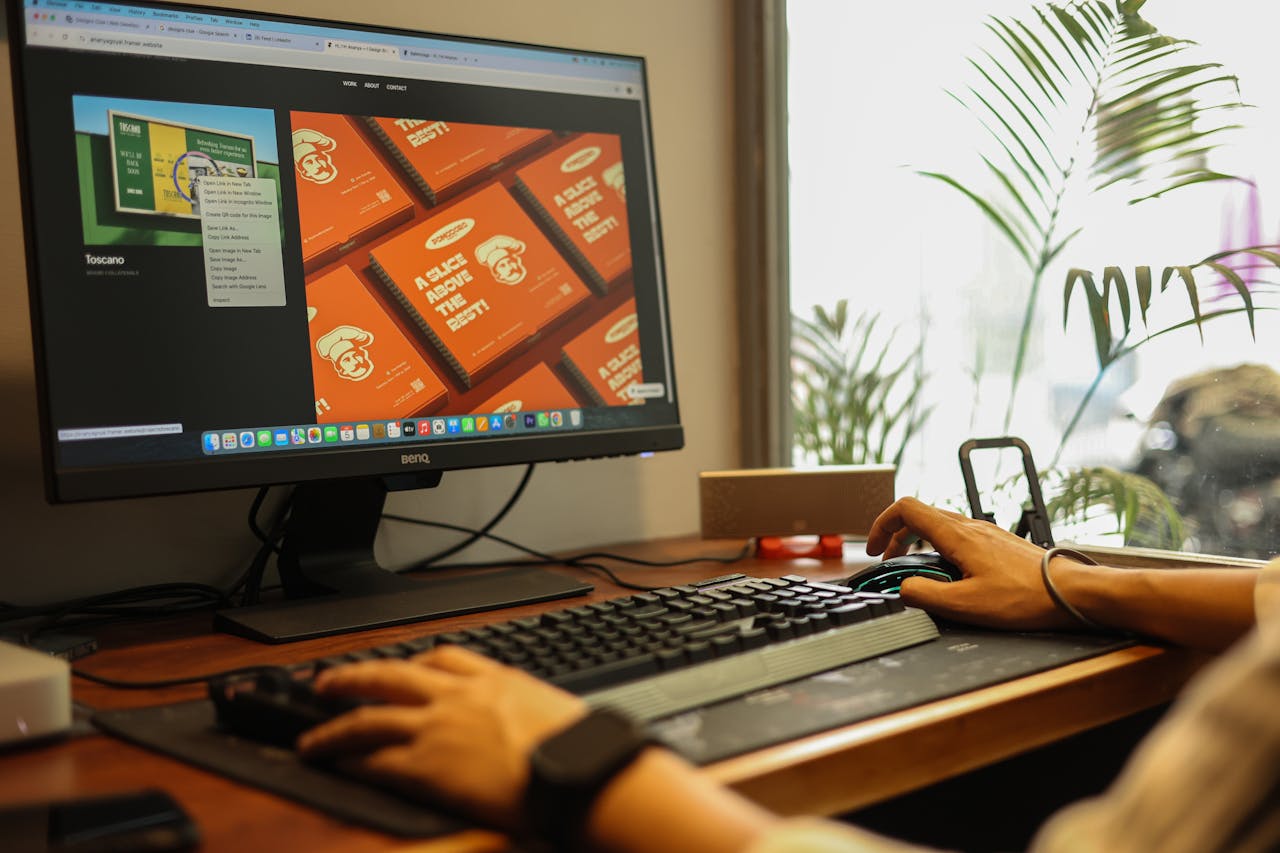
Animation draws the eye. In a feed or on a page full of static content, movement is the fastest way to capture attention. Studies consistently show animated display ads achieve 20-30% higher click-through rates than their static equivalents - when done well.
The caveat: animation has to serve the message. Meaningless spinning logos and excessive flashing hurt performance and damage brand perception.
You have less than a second before a user scrolls past. Your first frame must communicate your brand and your core offer immediately. Lead with your strongest visual - usually a product shot or a bold headline.
Build on the hook. Show a key benefit, a price point, or social proof. Keep text minimal - no more than 6-8 words per frame.
End with a clear call to action. "Shop Now", "Learn More", or "Get 20% Off". Pair it with your logo and a button-style element to signal clickability.
Keep the loop under 15 seconds. Use easing on movements - things that start and stop abruptly feel cheap. Limit the number of animated elements per frame so the eye knows where to look. Never use strobing or rapid flashing - it violates ad network policies and can trigger accessibility issues.
HTML5 is the standard for animated display ads. GIF still works for simple animations but has colour limitations and larger file sizes. HTML5 gives you more control, smaller files, and compatibility with all major ad networks. Keep initial load under 150KB.
Campaign Builder lets you build animated banner templates connected to your product feed. Product images, prices, and offers update automatically - so you get fresh animated creatives without rebuilding from scratch every time.
Ready to create animated banners at scale? Explore Campaign Builder HTML5 Ads - build animated banner templates that update automatically from your product feed.

