There are two ways to get access, depending on whether you already have an account.
You will typically receive an email invitation with a sign-up link. The link will looke like this: https://app.campaignbuilder.io/collaborate/019cc2bf-9865-732f-84bf-d4c464a83xxx
👉 Important: Make sure to use this link when creating your account. If you don’t, follow the steps in section 2 instead.
When you sign up - you should follow these steps:
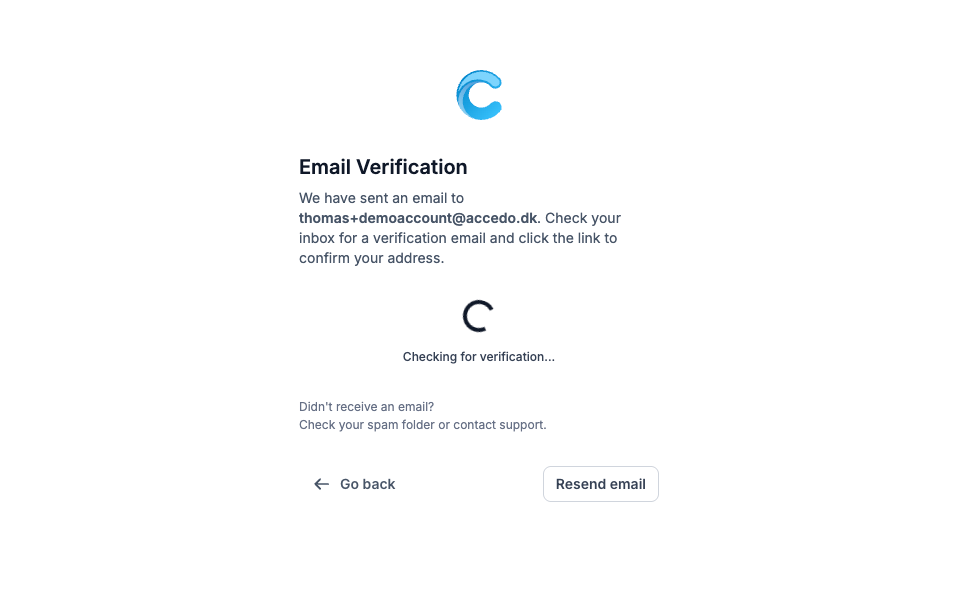
Create an account and verify your email. If you don’t receive the email, please check your spam folder.
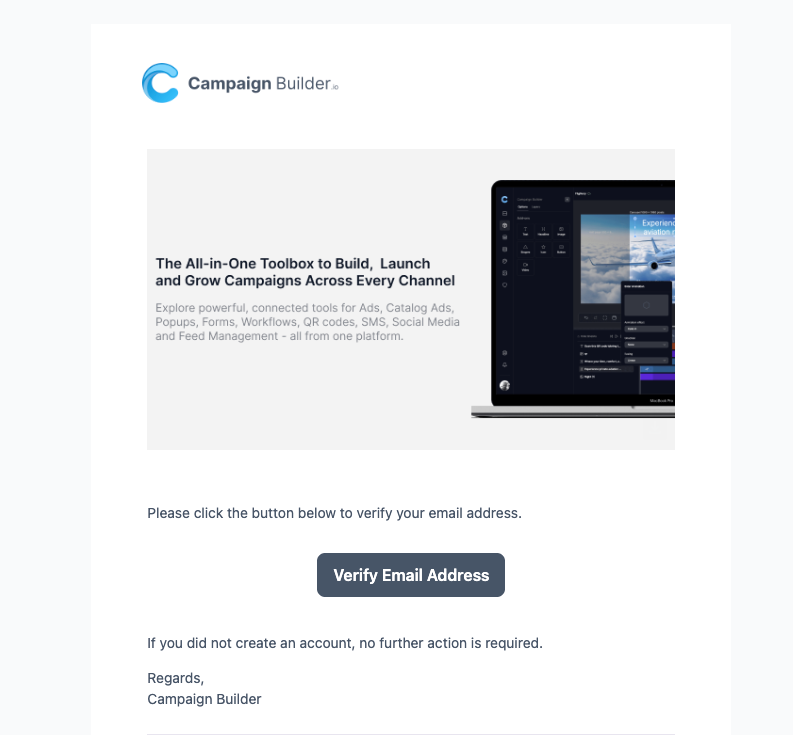
You will receive an email like the one below. Click the “Verify Email Address” button to gain access to the platform.
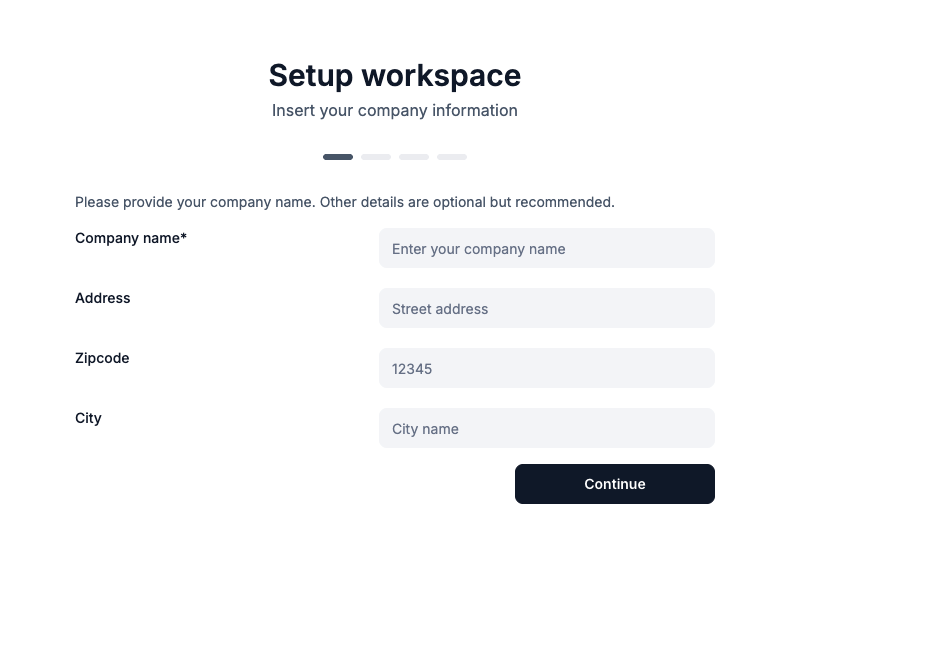
When you first access the platform, you’ll be asked to enter your company information.
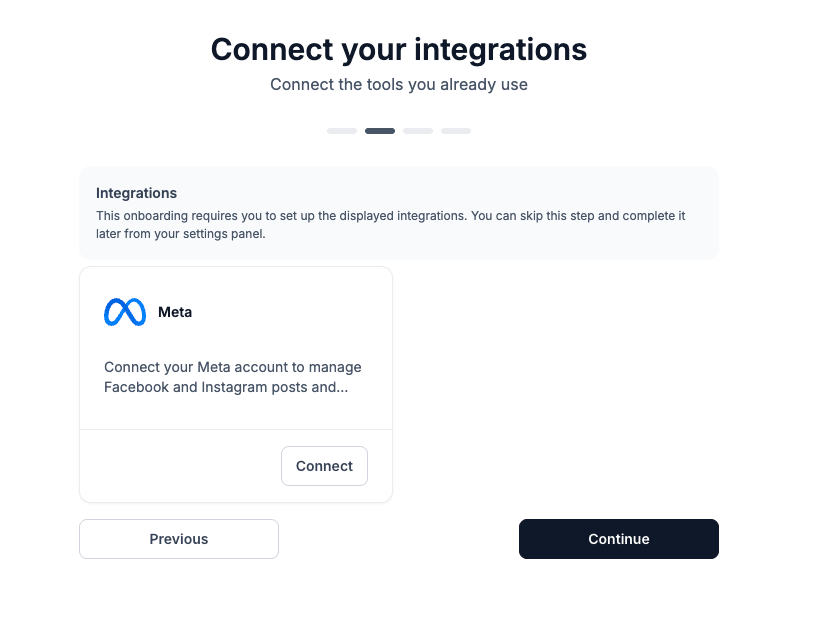
We ask you to connect your Facebook account. You can skip this step for now, as it can be done later directly from the platform.
Finally, simply accept that the manufacturer who invited you can share social media posts with your account.
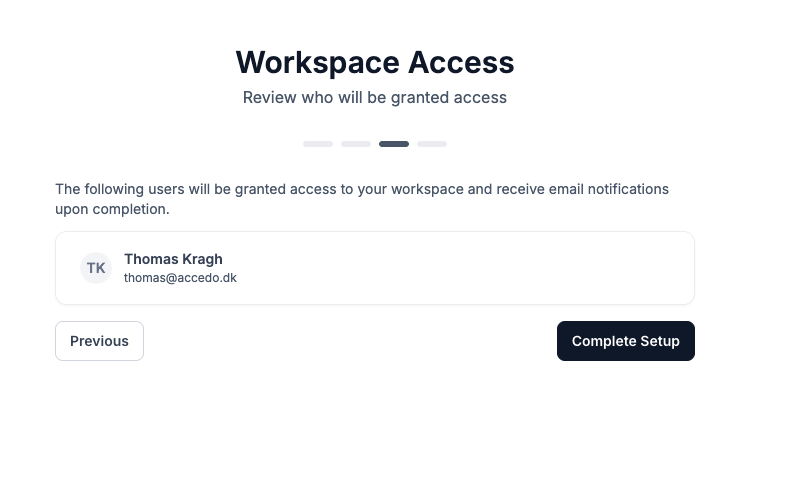
Once completed, they will be able to share social media posts directly with you.
Free access:
You’ll get a 14-day free trial of the full platform. After the trial ends:
If you already have a Campaign Builder account, make sure you’re logged in before clicking the sign-up link.
To access social media posts from multiple dealers or manufacturers, it is very important that you use the same email address for all invitations.
Using different email addresses will create separate accounts, meaning you won’t be able to see all shared content in one place.
Once you have access, you can start publishing posts shared with you.
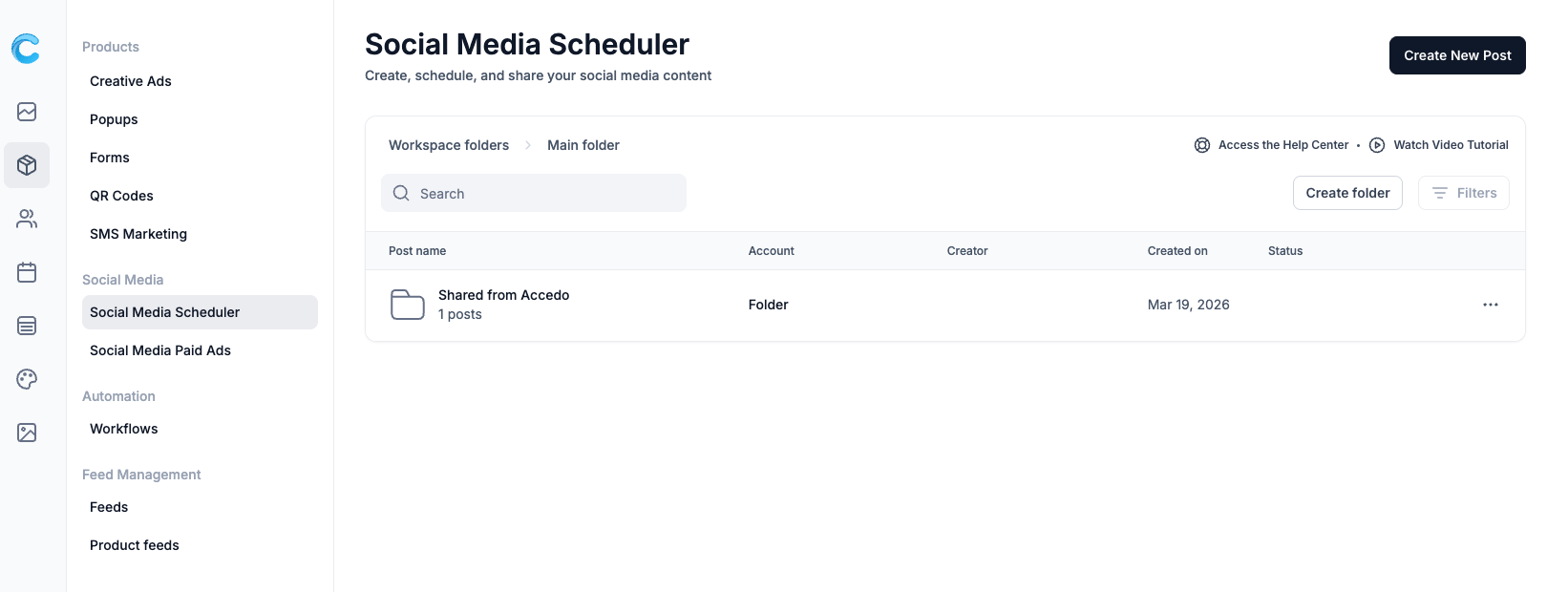
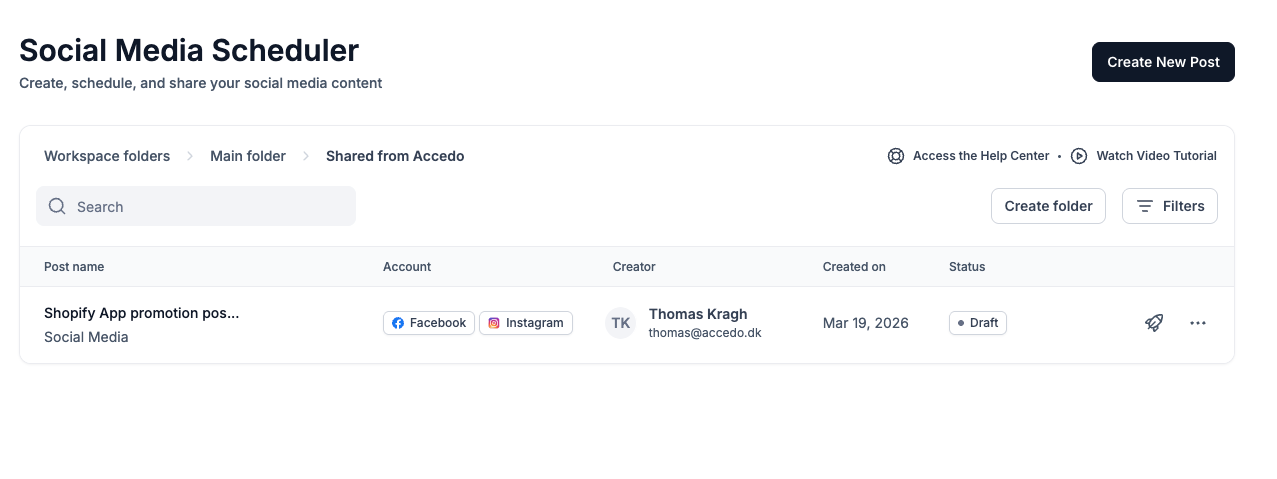
To publish a post:
Click the 🚀 rocket icon next to the post
Select which platform you want to post it to
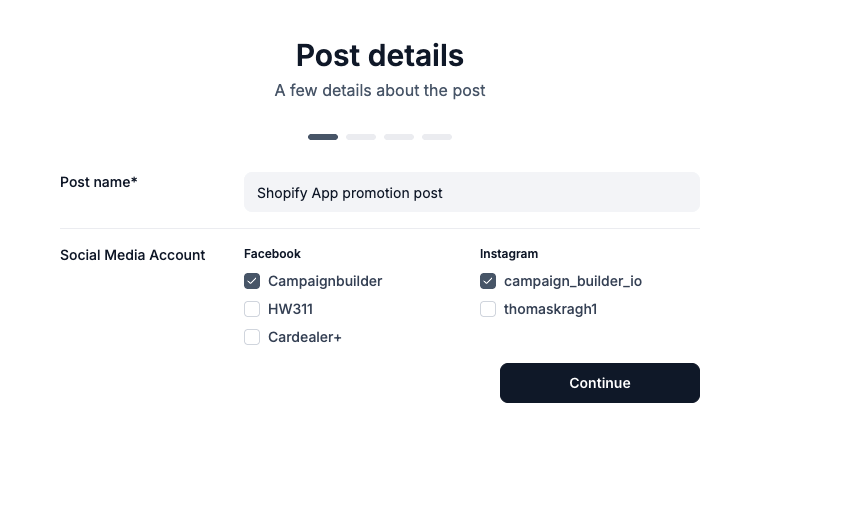
Edit the post if you want to make changes or add any additional information.
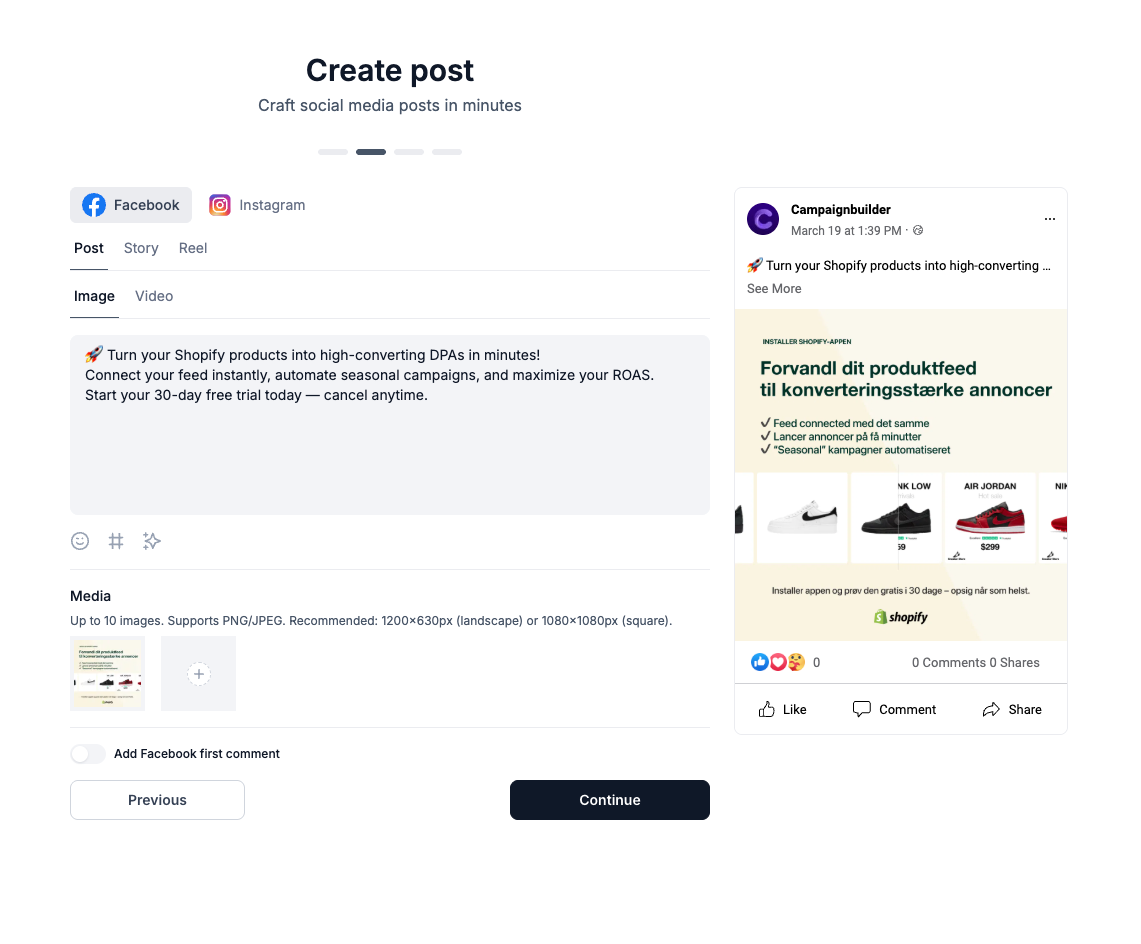
Finally, choose whether you want to schedule the post or send it immediately.
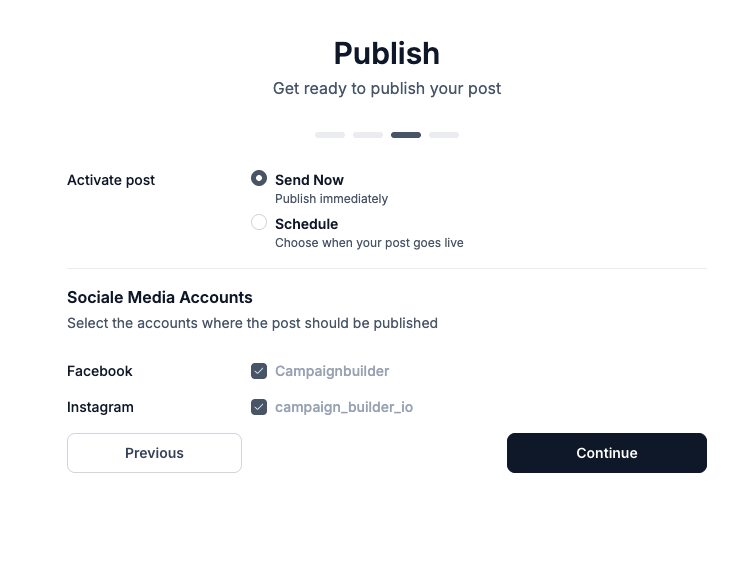
You’re now ready to easily reuse and publish high-quality social media content shared with you - saving time while staying consistent with your brand.

