Social Media Schedule
8 min read

Social Media Image Sizes in 2026: The Cheat Sheet Every Marketer Needs

Every dimension you need for Facebook, Instagram, LinkedIn, X, TikTok, and Pinterest in one place, plus the safe-zone rules that keep your posts from getting cropped wrong.
What Are HTML5 Ads and Why Should You Be Using Them?
Written by
Thomas Kragh
Published on
August 27, 2026

Why social media image sizes still trip people up

Every platform crops, compresses, or resizes images differently, and the specs change often enough that a size chart from last year is already out of date. Post the wrong dimensions and Facebook squeezes your image into an awkward crop, Instagram cuts off the bottom third of your graphic, or LinkedIn stretches a logo until it looks blurry. None of that is a design problem. It is a sizing problem, and it is fixable in five minutes with the right numbers in front of you.

This guide covers the exact pixel dimensions for the six platforms most marketers post to today: Facebook, Instagram, LinkedIn, X, TikTok, and Pinterest. Keep it bookmarked, or better, build your templates around these numbers once and stop guessing.

The 2026 image size cheat sheet, platform by platform

Facebook

  • Profile picture: 720 x 720 px (displays at 176 x 176 px on desktop)
  • Cover photo: 851 x 315 px
  • Feed post, square: 1080 x 1080 px
  • Feed post, landscape: 1200 x 630 px
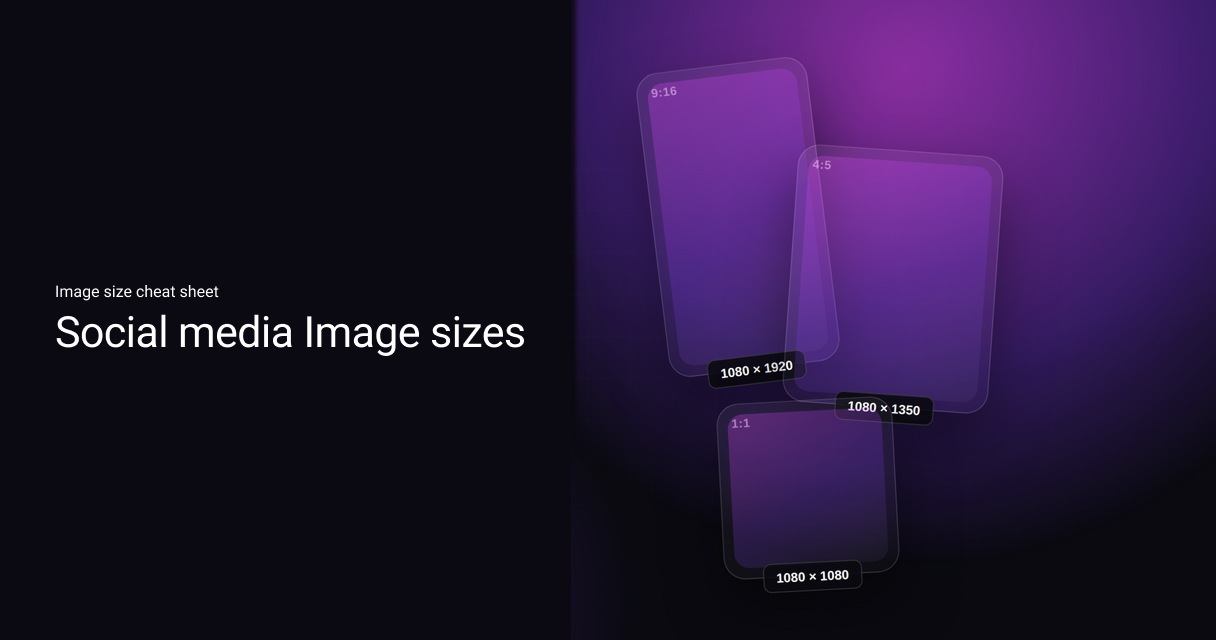
  • Feed post, vertical: 1080 x 1350 px
  • Stories: 1080 x 1920 px, with the top and bottom 14% left clear of text

Facebook crops rather than stretches oversized images, so composing with your subject centered protects you from an awkward crop on smaller screens.

Instagram

  • Profile picture: upload at 320 x 320 px, displays at 110 x 110 px (circular)
  • Feed post, square: 1080 x 1080 px (1:1)
  • Feed post, portrait: 1080 x 1350 px (4:5), the safest bet for filling more of the feed
  • Feed post, landscape: 1080 x 566 px (1.91:1)
  • Stories and Reels: 1080 x 1920 px (9:16)
  • Reel cover, as it appears on your profile grid: 1080 x 1440 px (3:4)

Carousel posts need every card in the same aspect ratio, or the deck will jump around as people swipe.

LinkedIn

  • Profile picture: 400 x 400 px
  • Personal cover photo: 1584 x 396 px
  • Company page cover: 1128 x 191 px
  • Single image post: 1200 x 627 px
  • Carousel post: 1080 x 1080 px (square) or 1080 x 1350 px (portrait)

LinkedIn's audience skews to desktop during work hours, so test cover images at wide and narrow browser widths before you publish.

X (Twitter)

  • Profile picture: 400 x 400 px
  • Header image: 1500 x 500 px
  • In-stream image: 1200 x 675 px (16:9)
  • Single image post, minimum: 600 x 335 px

16:9 gives the cleanest preview in the timeline; anything narrower risks an odd crop on mobile.

TikTok

  • Profile picture: 400 x 400 px minimum
  • Video cover and vertical video: 1080 x 1920 px (9:16)
  • Photo carousel: 1080 x 1920 px, up to 35 images per post

Design everything vertical first here. A square or landscape asset will always look like an afterthought on TikTok.

Pinterest

  • Profile picture: 600 x 600 px
  • Standard Pin: 1000 x 1500 px (2:3)
  • Square Pin: 1000 x 1000 px
  • Idea Pin (story format): 1080 x 1920 px (9:16)

Pinterest is a search engine as much as a feed, so the taller 2:3 ratio earns more vertical space and more impressions.

Five rules that apply no matter the platform

  • Design in the platform's native aspect ratio first. Cropping down from a bigger canvas almost always cuts off something you needed.
  • Leave a safe margin, usually 10 to 15% at the top and bottom, free of text or logos on any format that includes an overlay (Stories, Reels, captions).
  • Keep every image in a carousel or set at the same ratio so the sequence doesn't jump.
  • Export at the platform's exact recommended size rather than "close enough." A few dozen pixels off is often the difference between a clean render and a soft, recompressed one.
  • Revisit these numbers roughly twice a year. Platforms adjust crops and feed layouts more often than most people expect.

How Campaign Builder helps

Manually resizing one campaign visual into six platform-specific crops is where most content calendars start slipping. Campaign Builder's social media scheduler builds your post once and automatically adapts it to the correct dimensions and safe zones for each platform you're publishing to, so nothing gets cropped, stretched, or rejected on the way out.

Ready to get started? Explore Social Media Scheduler on Campaign Builder - plan, resize, and publish to every platform from one dashboard.

Create More Campaigns. In Less Time

Scale Campaigns Like Never Before

Turn your creation process into a scalable, automated engine. Build hundreds of high-performing campaigns in minutes.